The complete 2026 guide
What is an AI app builder?
AI app builders turn a sentence into a working web application, auth, database, payments and all. This guide explains how they work, what they can and can't build, and how to pick one.
12 min read·Updated April 2026·7 chapters
01 / The definition
What an AI app builder actually is
An AI app builder takes a natural-language description of an app and generates working code, a hosted preview, and the integrations you need (database, auth, payments), usually inside a web-based interface.
The defining promise: you describe what you want in plain English, the AI scaffolds it, and you iterate by prompting, clicking, or editing code. The output is a real application, not a static website with template content swapped in.
That last part matters. AI website builders generate marketing pages with text and images. AI app builders generate functional applications (login flows, checkout, dashboards, multi-page sites with real data) with code you can actually own and host.
You type
“A SaaS for freelancers to track invoices, with email login and a $19/mo plan.”
You ship
A working app with sign-in, payments, dashboard, custom domain
02 / Under the hood
The four-step loop every builder runs
Every AI app builder runs the same loop. The differences show up in step 4: how you iterate.
Prompt to plan
The AI parses your description and decides what files to create or edit.
Plan to code
Generates source files (React and modern CSS, often Next.js) with routing, components, and integration boilerplate.
Code to preview
The platform spins up a live preview, often in a browser-based dev container.
Preview to iterate
Prompt again, edit visually, or drop into code. The good builders do all three on the same source.
The source-truth bridge
The advanced builders maintain a single source tree where visual edits, AI edits, and code edits all write to the same files. That's what lets you mix workflows without conflicts. Webtwizz is built around this.
03 / In the wild
What you can actually build today
As of 2026, AI app builders reliably ship these, with real auth, real data, real payments.
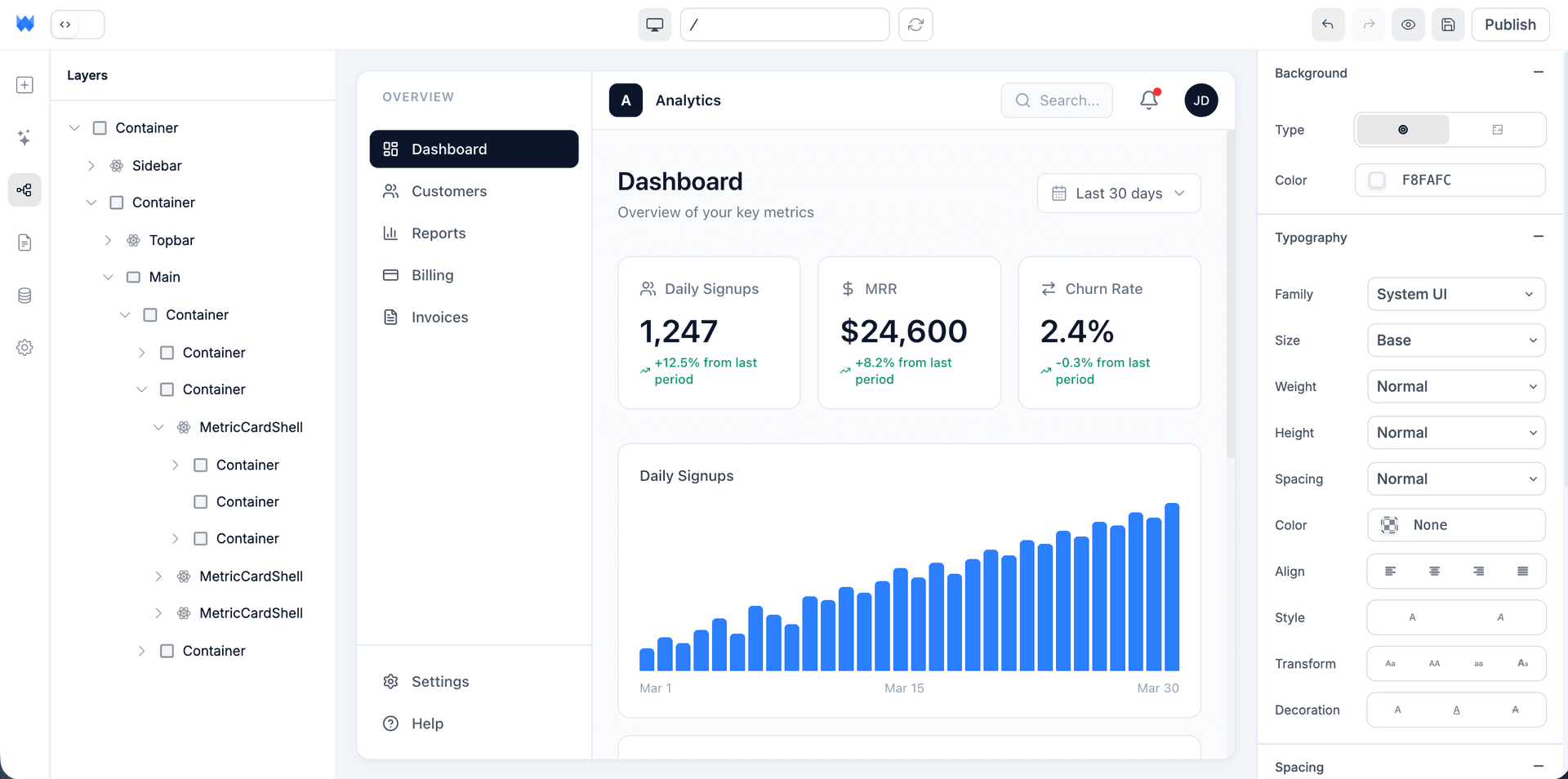
SaaS apps
Sign-up, auth, paid tiers, user-specific data.
Full guide →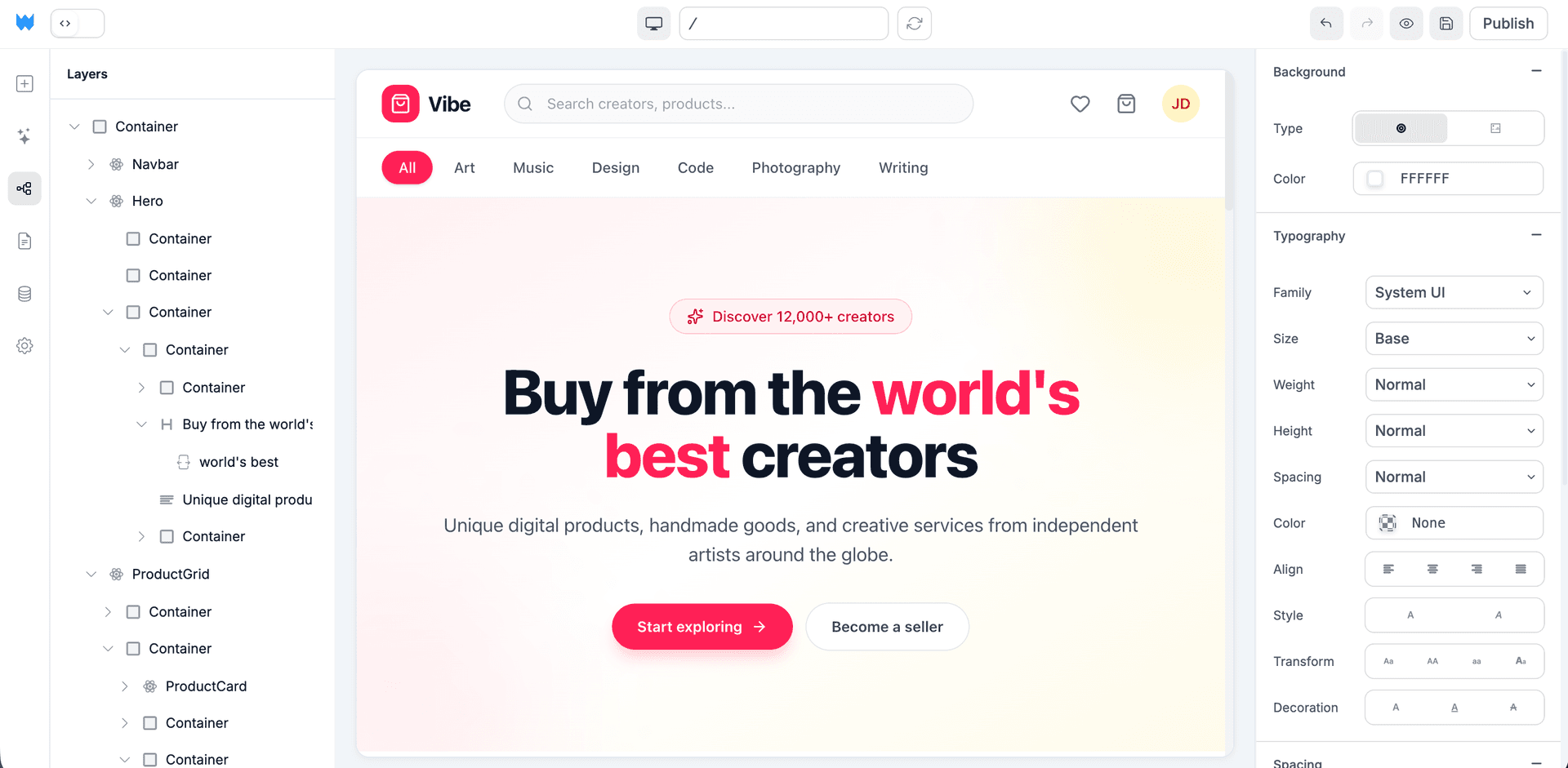
E-commerce stores
Catalog, cart, Stripe checkout, customer accounts.
Full guide →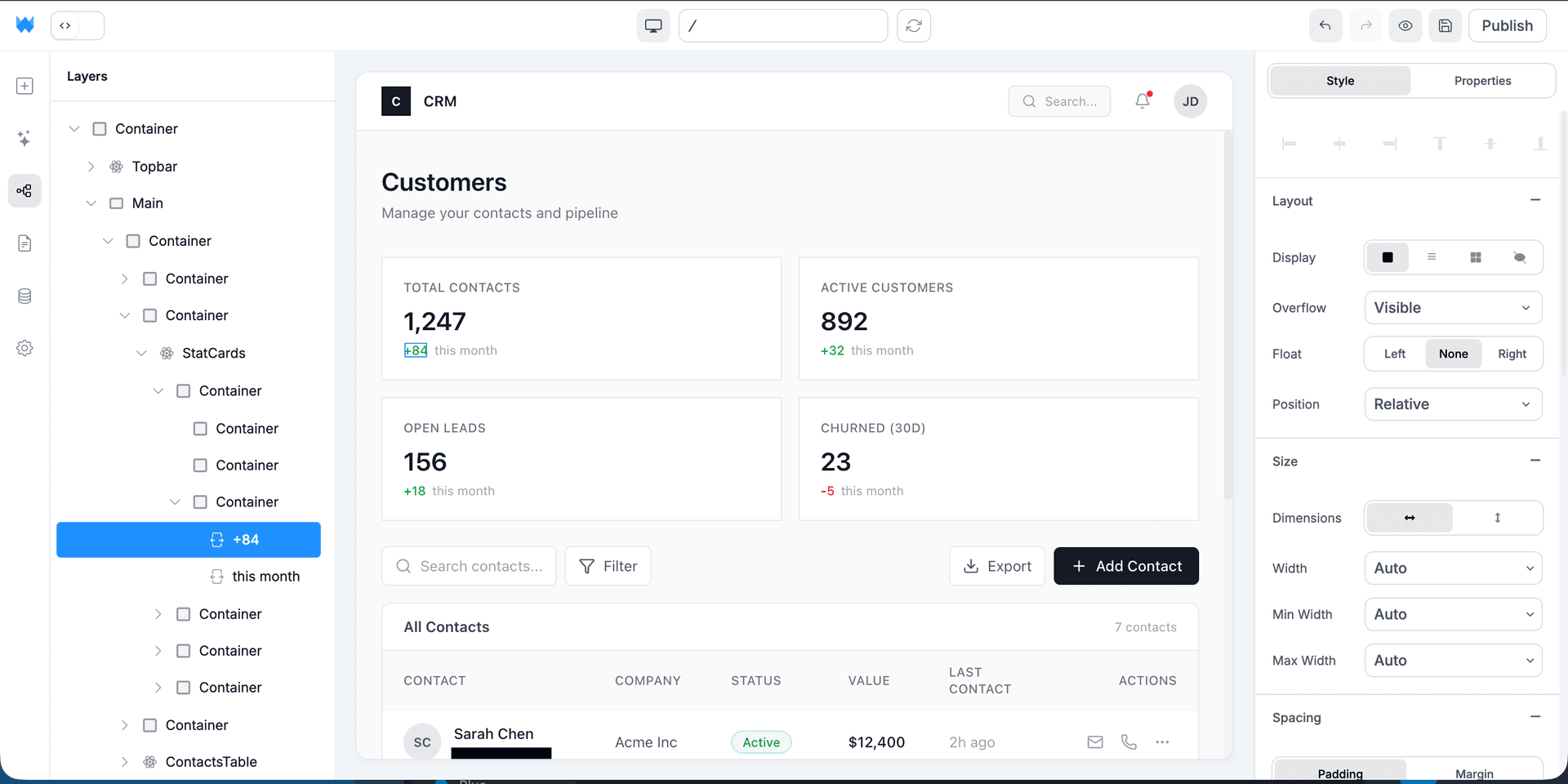
CRMs
Contacts, pipeline, notes, activity timelines.
Full guide →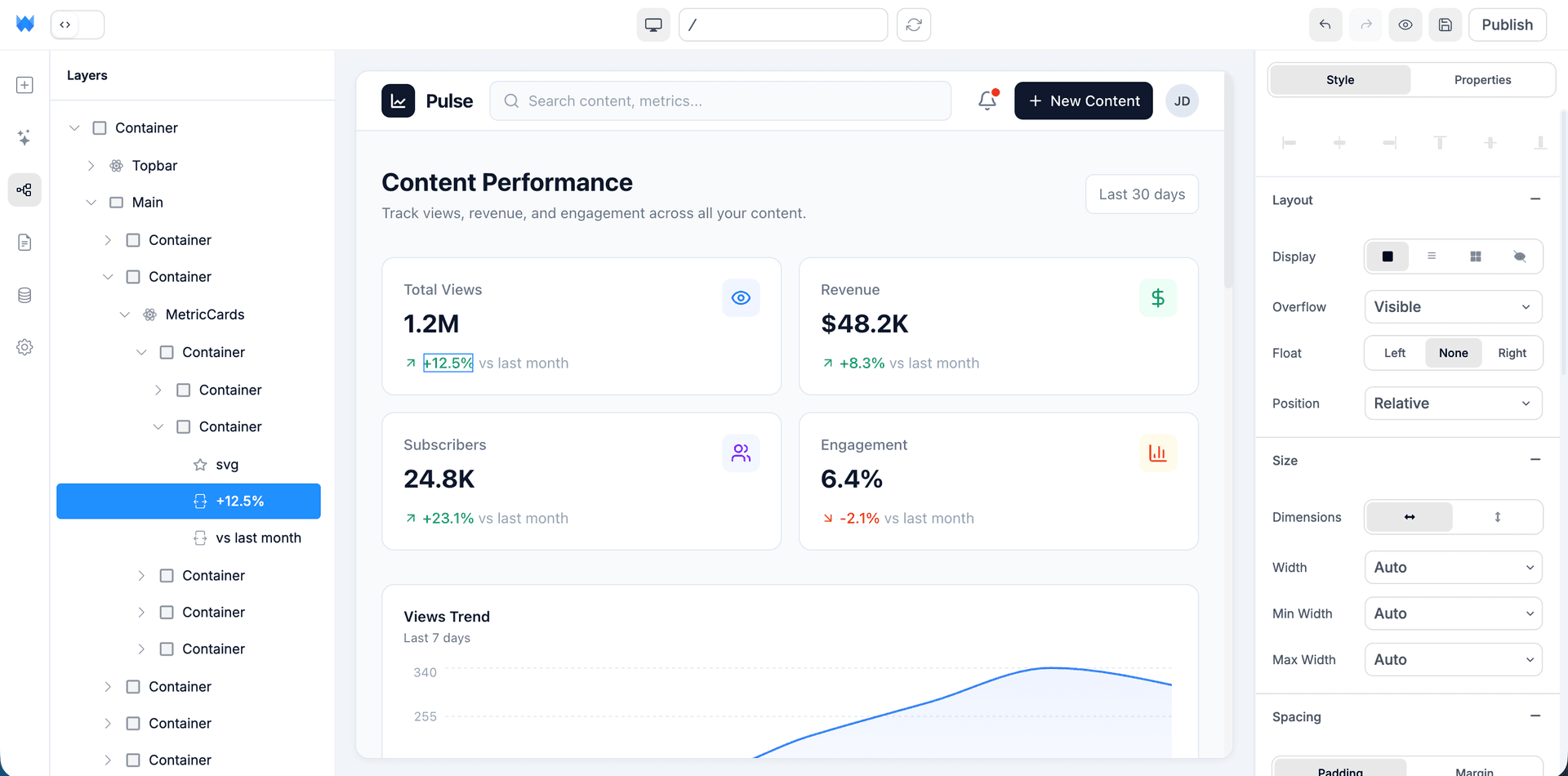
Dashboards
Real-time charts, KPIs, role-based access.
Full guide →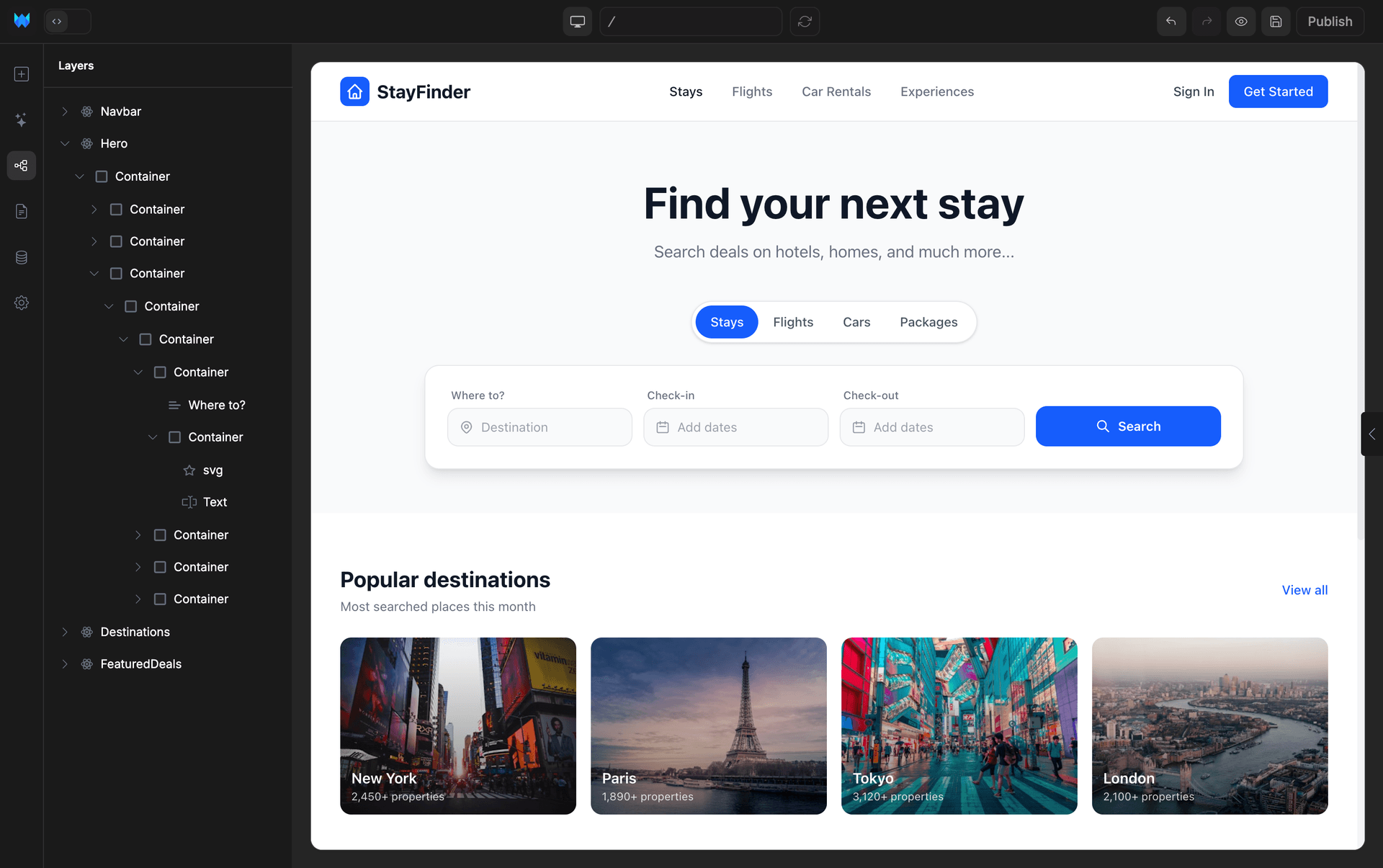
Booking apps
Calendar, time slots, Stripe deposit, automated reminders.
Full guide →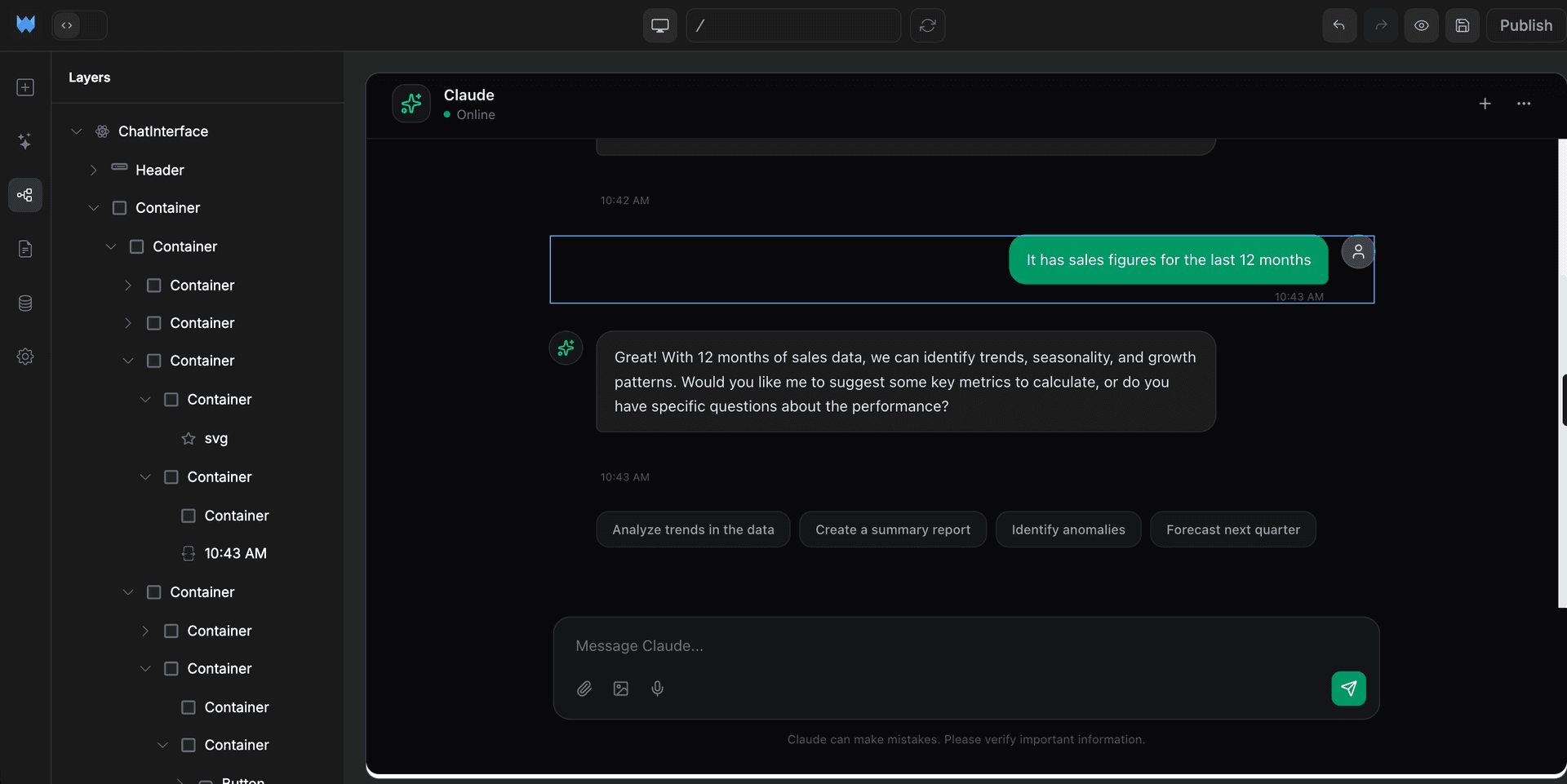
AI chatbots
Streaming chat UI, conversation history, optional RAG.
Full guide →Also reliable
04 / Don't confuse the two
AI app builder vs AI website builder
The distinction trips people up. Quick version below: pick by what your project needs to do, not how it looks.
Wix ADI, Hostinger AI, Squarespace AI. Templates filled with AI-generated copy and images.
- ·Output: hosted site, hard to take with you
- ·Use case: small-business marketing pages
- ·No real auth, payments, or backend logic
Webtwizz, Lovable, Bolt. A real working app with sign-in, a database, and payments built in.
- +Output: real app code you can see and edit anytime
- +Use case: SaaS, marketplaces, internal tools
- +Real backend logic, integrations, custom domains
If your project is “show some content,” a website builder is fine. If users need to sign up, do something, and pay, you need an app builder.
05 / The honest answer
How to pick the right one
Skip the feature-matrix paralysis. Match your goal to a tool. One question, one answer.
If you want to
Ship a polished app
You'll maintain it for months and care about design fidelity.

Pick
Webtwizz
Visual editor on top of AI, persistent hosting, integrations bundled.
If you want to
Chat your way to an app
You love the prompt-and-iterate flow above all else.

Pick
Lovable
Pure chat-to-app with the most polished conversational UX.
If you want to
Use any framework
You need Astro, SvelteKit, Vue, or Remix, not just Next.js.

Pick
Bolt.new
In-browser WebContainer that runs any framework live.
If you want to
Generate just components
You already have a codebase and want UI fast.

Pick
v0
Vercel's component generator. Beautiful UI straight from prompts.
If you want to
Build a non-web project
Python backend, scraper, Discord bot, multi-language workload.

Pick
Replit Agent
AI inside a full Linux cloud IDE with persistent storage.
If you want to
Pair-program in a real codebase
You're a working developer with an existing project.

Pick
Cursor
Best-in-class agent mode for navigating real codebases.
Want the long version with feature matrices and pricing? See the best AI app builders in 2026.
06 / The category
The major AI app builders in 2026
The category has crystallized into a few clear leaders. Each has a lane.
Webtwizz
· Our pickVisual + AI + code, all editing the same source.
Lovable
Pure chat-to-app, polished UX, strong community.
Bolt.new
In-browser WebContainer, framework-flexible.
v0
Vercel's component generator. UI from prompts.
Replit Agent
AI inside a full cloud IDE.
Cursor
Desktop AI code editor for working developers.
07 / Where it shines
Use cases that work today
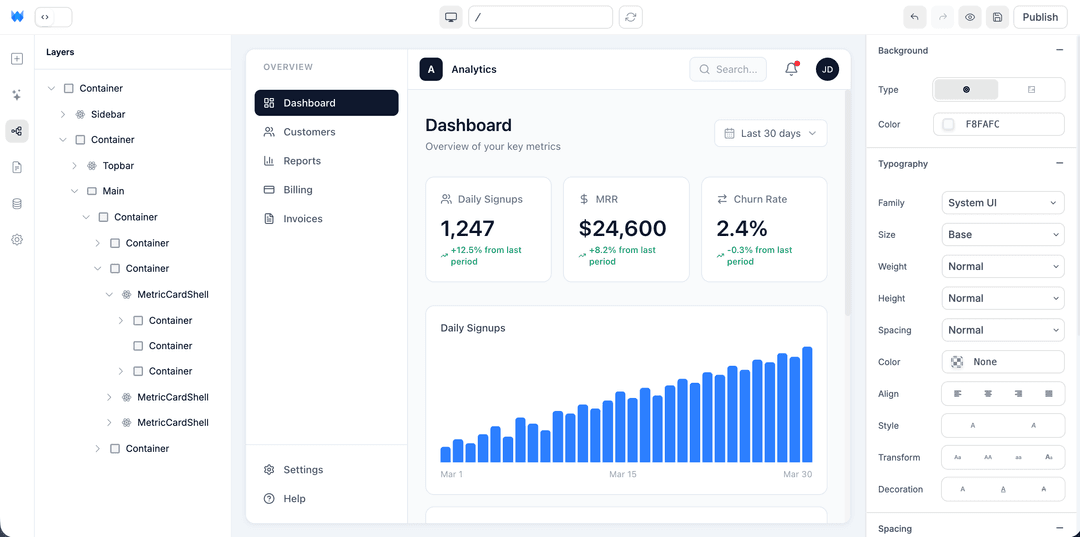
SaaS MVPs
Sign-up, auth, Stripe checkout, dashboard with user data. Every part of the stack has good AI generation patterns. This is the sweet spot.
Read the full guide →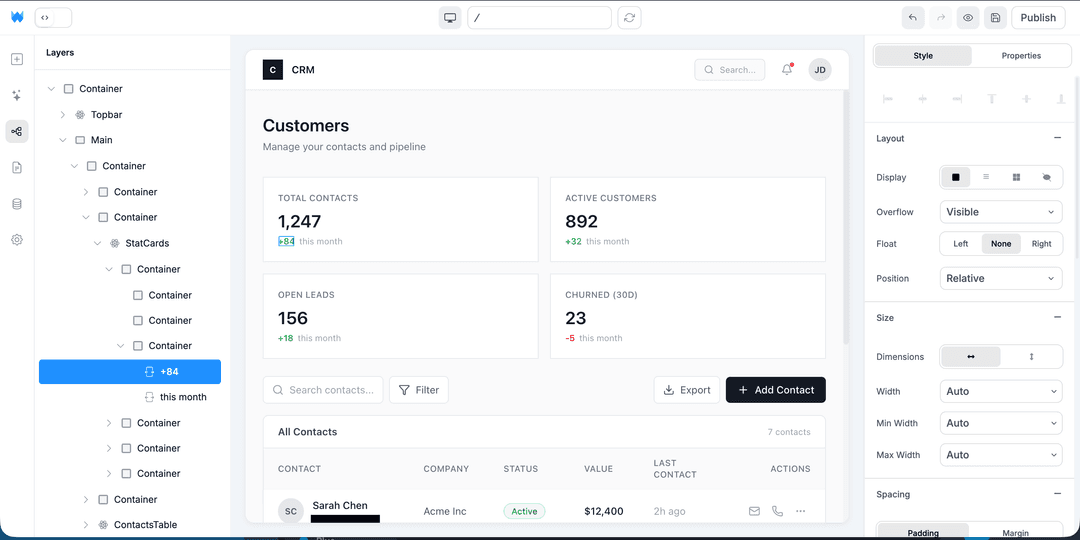
CRMs
Sales, recruiting, investor, agency. Replaces 2 to 3 weeks of agency work with one weekend of prompting, and the per-seat HubSpot bill with a flat hosting cost.
Read the full guide →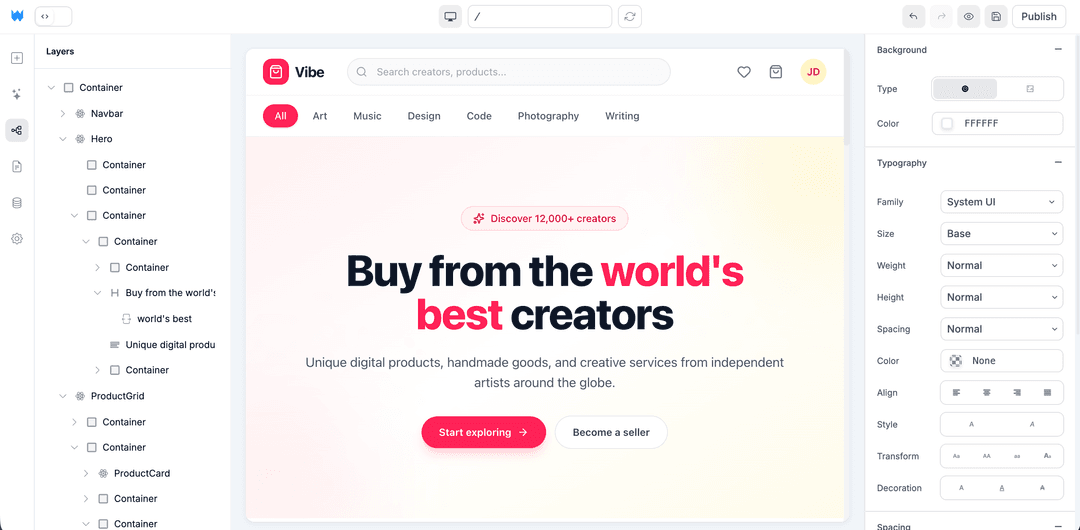
E-commerce stores
Products, cart, Stripe Checkout, customer accounts. The Shopify shape, owned by you, no $39/month plan and no per-transaction fees stacking on top of Stripe.
Read the full guide →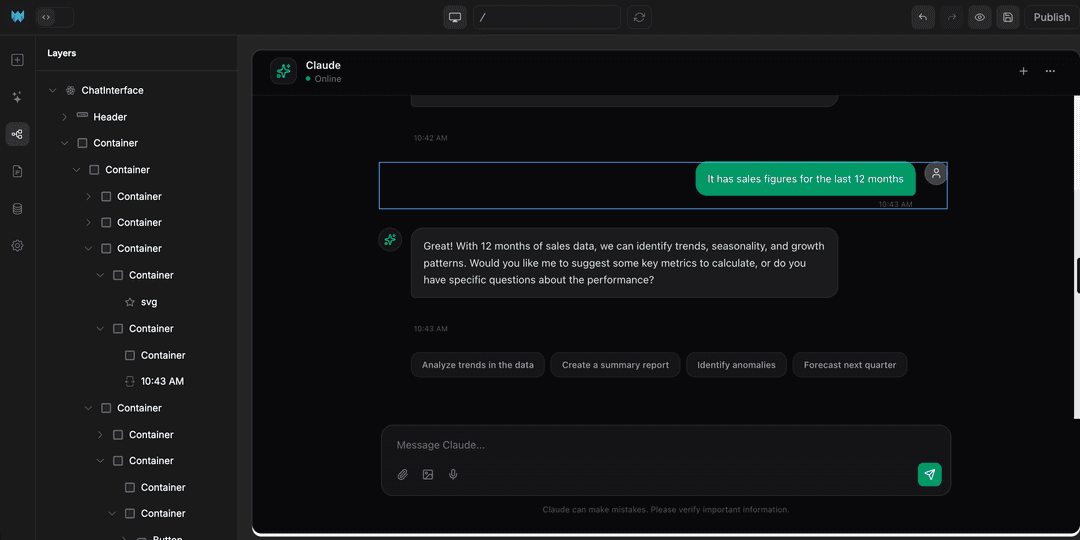
AI chatbots
UI around an OpenAI or Claude API call with streaming and conversation history. AI builders are uniquely good at this because the AI understands the API patterns natively.
Read the full guide →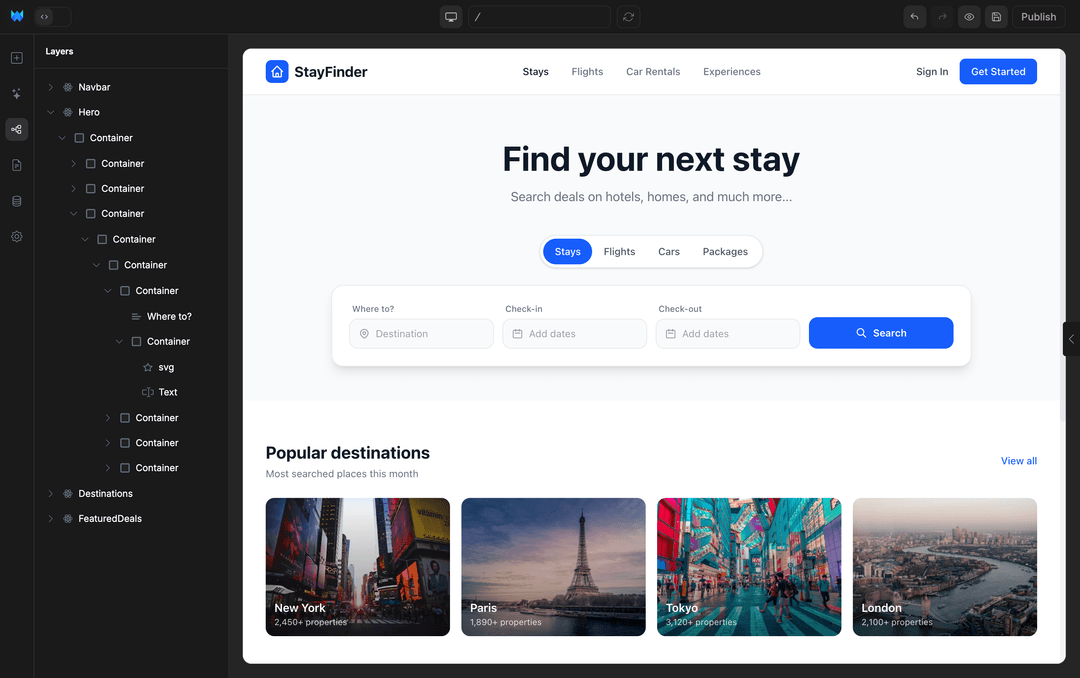
Booking apps
Calendar with time slots, customer-facing booking flow, Stripe deposit, automated reminders. Replaces Calendly + Stripe + email tooling stack with one owned product.
Read the full guide →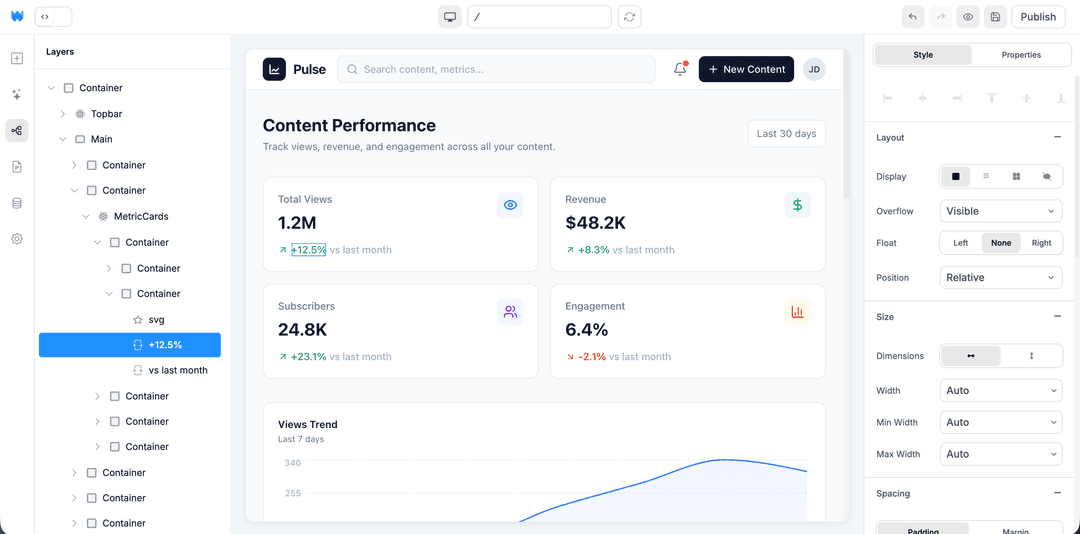
Dashboards
Real-time charts, KPI cards, role-based access. Recharts wired in. Replaces a custom data team build with a weekend of prompting.
Read the full guide →Bottom line
AI app builders in 2026 are real.
They genuinely produce shippable apps in hours instead of weeks. The category has split into clear use cases: visual + AI for shipping (Webtwizz), chat-only for iteration (Lovable), in-browser for prototyping (Bolt), components for existing codebases (v0), full IDE for developers (Cursor, Replit).
Most people who land on this page should start with Webtwizz or Lovable. The other tools are excellent in their lanes.
Integrations
Works with the tools you already use.
Payments, database, AI, email and analytics, wired up the moment you connect.










Start building
Your idea, live in minutes.
Describe what you want. WebTwizz builds the real thing, then you click to change anything. No code needed.
Get started for free, no credit card needed.