Webtwizz+OpenAI

OpenAI Integration

OpenAI + Webtwizz

Paste your OpenAI API key once. Webtwizz validates it against the OpenAI API and writes OPENAI_API_KEY (and an optional default model) into your project's environment variables.

One-click connectEnv vars auto-setEncrypted credentials
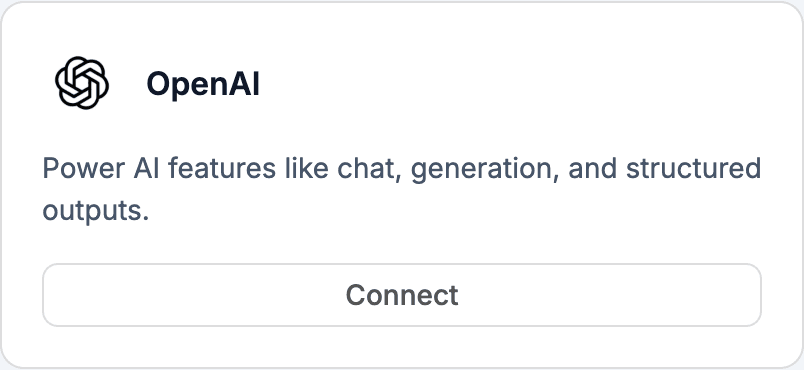
OpenAI integration card

01 / The integration

What the OpenAI integration does.

The OpenAI integration is a paste-your-key flow. Webtwizz validates the key by calling the OpenAI /v1/models endpoint, encrypts it, and writes OPENAI_API_KEY to your project. If you set a default model, OPENAI_MODEL is written too. From there, anything the AI generates that calls OpenAI will pick up the key automatically. Webtwizz never proxies your traffic and never marks up calls.

02 / What you can build

The patterns this unlocks.

The flows Webtwizz scaffolds correctly the first time, so you don't spend three days reading OpenAI docs.

01

GPT-powered features

Once the key is set, ask the AI for a chat UI, a summarizer, a classifier. It writes a Next.js route that calls OpenAI directly using OPENAI_API_KEY.

02

Image generation

DALL·E calls work the same way. The integration sets the credential; the AI writes the request and the UI.

03

Embeddings + semantic search

Pair with Supabase + pgvector. Ask the AI for an embeddings flow and it will use the OpenAI key already in env vars.

04

Streaming responses

Streaming isn't auto-scaffolded by the integration. Ask for it explicitly and the AI will write Server-Sent Events using OPENAI_API_KEY.

03 / Setup

Connect OpenAI.

3 ordered steps. Open Integrations, click Connect, paste the key. The plumbing scaffolds itself.

STEP 01

Get an OpenAI API key

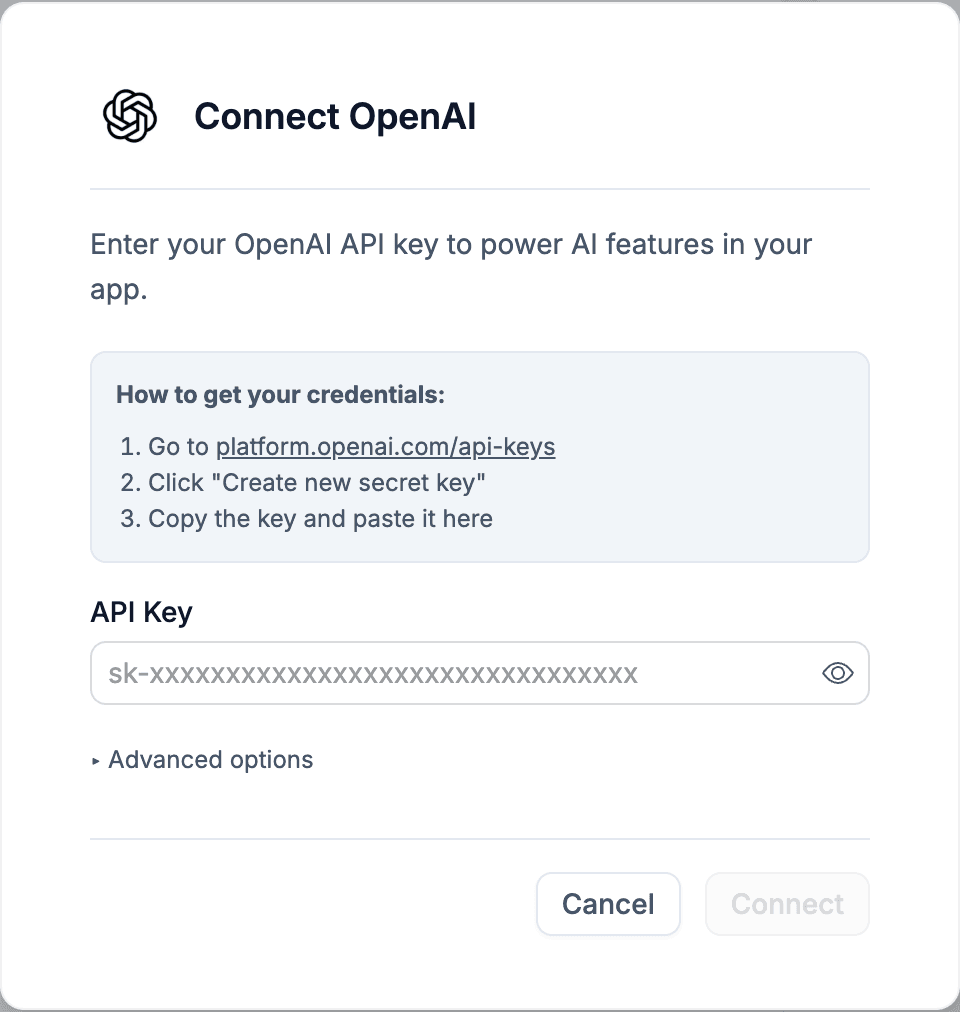
Sign in at platform.openai.com/api-keys and create a new secret key. Copy it.

Get an OpenAI API key

STEP 02

Paste it into the OpenAI integration

Inside Webtwizz, open Integrations and click Connect on the OpenAI card. Paste the key. Webtwizz hits OpenAI's /v1/models endpoint to confirm it's valid before saving.

Paste it into the OpenAI integration

STEP 03

Optional: pick a default model

In Advanced options, choose a default model (GPT-5.4, GPT-5.4 Mini, GPT-5.3 Codex, etc.). This becomes OPENAI_MODEL in env vars. The AI can still call other models per request.

Optional: pick a default model

04 / Environment

Set automatically.

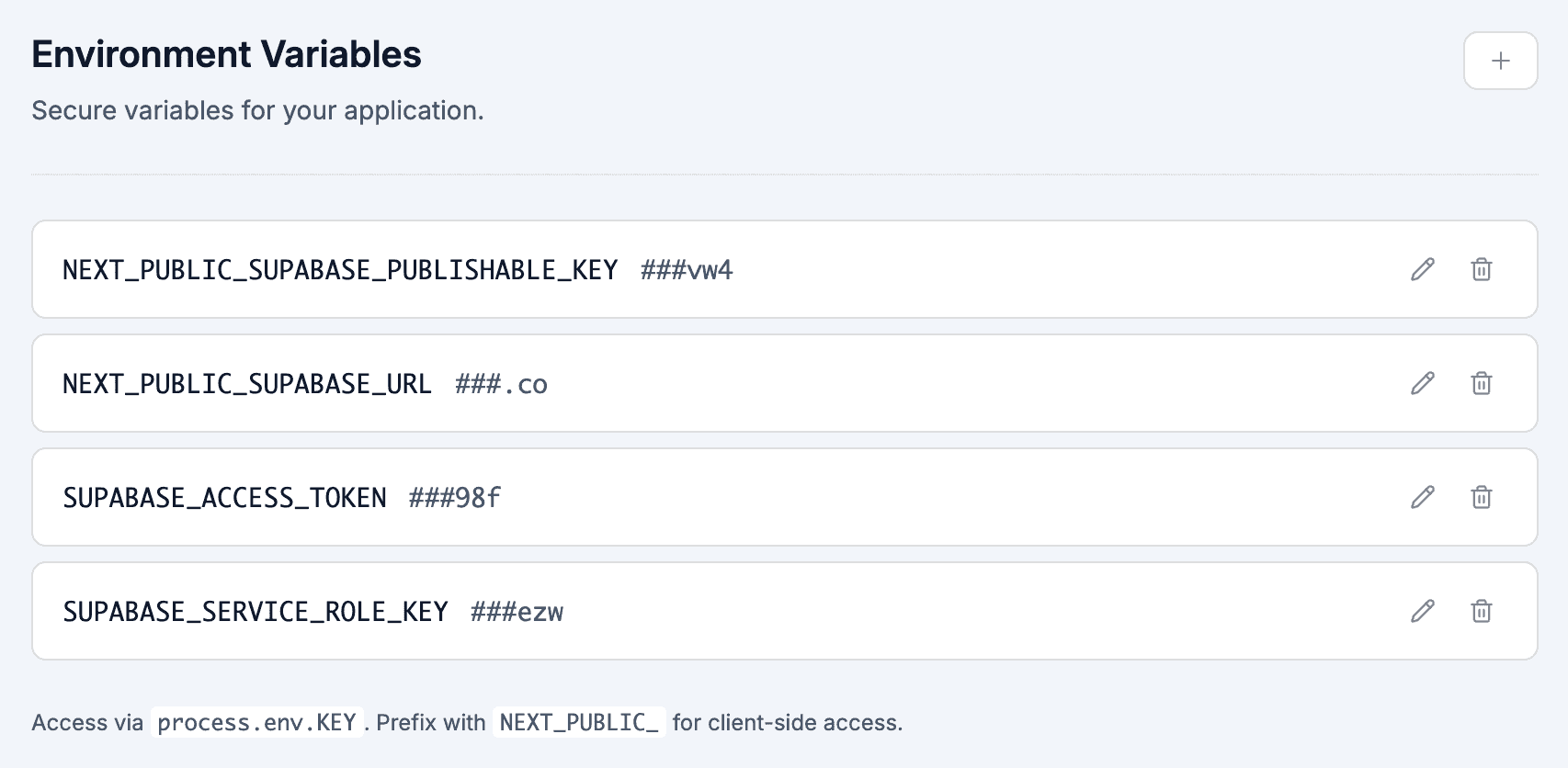
These show up in your project's environment variables panel the moment you connect OpenAI. No copy-paste, no .env files.

.env

OPENAI_API_KEY

Server-only. Used by any AI-generated code that calls OpenAI.

OPENAI_MODEL

Optional default model name, set if you pick one in Advanced options. Defaults to gpt-5.4 if omitted.

GPT model selection: 4o-mini vs 4o vs o1 vs GPT-5which to use when

GPT-4o-mini is the workhorse. At $0.15/M input tokens, it's the right default for classification, extraction, routing, simple chat, RAG synthesis on small context. If you don't have a strong reason to use something else, use this.

GPT-4o is the upgrade for quality-sensitive work, sales-facing chatbots, code suggestions in your app, anything where users will notice mistakes. ~$2.50/M input. Still fast (sub-second first token), still cheap enough for high-volume.

o1 / o1-mini are reasoning models, slow (10–60s per response), expensive ($15+/M), but solve multi-step problems mini and 4o get wrong. Use for math, complex code generation, strategic planning. Don't use for chat, users won't wait.

GPT-5 (when available in your tier) is the new top of the lineup. Webtwizz defaults the OPENAI_MODEL env var to gpt-5.4 if you don't set it. Override for cheaper/faster work.

Routing pattern: in any chatbot or AI feature, classify the input first with 4o-mini ("is this question simple or complex?"), then route to 4o or o1 accordingly. Webtwizz can scaffold the routing layer if you describe the rule.

Streaming, function calling, structured output: the patterns that matter

Three OpenAI features that materially change what your app can do, none auto-scaffolded on integration connect, but all easy to ask the AI for:

Streaming responses. Without streaming, your chatbot user waits 5–15 seconds staring at a loading spinner. With streaming, tokens appear word-by-word. Implementation: pass stream: true to the chat completions call, return a ReadableStream from your Next.js route, consume it with EventSource or fetch in the client. Ask "make this chat route stream the response" and Webtwizz scaffolds it.

Function calling (tools). Let GPT trigger your app's code. "user wants to update their email" → GPT calls your updateEmail() function with the right arg. Implementation: define a tools array in the chat completion call, handle tool_calls in the response, execute the function, return the result. This is how you build agents that DO things, not just chat.

Structured output (JSON mode). Force GPT to return valid JSON matching a schema you provide. Use response_format with a Zod schema. Critical when GPT's output feeds another piece of code: no more "GPT wrote prose around my JSON" parsing nightmares.

All three are pre-installed in the openai npm package. Webtwizz generates the patterns when you ask; it doesn't pre-scaffold them because most apps need them shaped differently.

05 / Questions

The honest answers.

What founders actually ask before they wire up OpenAI.

Does Webtwizz proxy or mark up OpenAI calls?

No. You bring your own API key, and any code the AI writes calls OpenAI directly from your project. Webtwizz never sits in the middle.

Is streaming auto-scaffolded?

No. The integration sets the credential. Streaming, conversation memory, retry logic, rate limiting are things you ask the AI to add. They're easy prompts ("add streaming to this chat route") but they aren't automatic on connect.

How is the key validated?

When you paste the key, Webtwizz calls https://api.openai.com/v1/models with it. If the call succeeds, the key is saved. If it fails, the modal shows an error and nothing is stored.

Can I switch between OpenAI and Claude?

Yes, by connecting both integrations. Both write env vars. The AI can route different features to OPENAI_API_KEY or ANTHROPIC_API_KEY when you ask for it.

What happens if I disconnect?

Webtwizz removes OPENAI_API_KEY (and OPENAI_MODEL if set) from env vars and clears the stored value. Anything in your project that calls OpenAI will start failing until you reconnect.

Plug in OpenAI and ship

Webtwizz is the AI app builder that lets you edit AI-generated code visually, and ship full-stack apps with auth, databases, and payments.

30 free credits daily + 120 signup bonus · No credit card required