
Webtwizz

Webtwizz

Visual + AI builder

Bolt.new

Bolt.new

In-browser AI dev

The honest comparison

Webtwizz vs Bolt.newPersistent project vs sandbox prototype

Bolt.new excels at "describe an idea, get a runnable prototype in your browser." Webtwizz is built for projects you actually ship, visual editor, persistent hosting, custom domains, version history, and integrations you configure once. Here's where each one wins.

TL;DR

  • Bolt is a dev environment in the browser (WebContainer + terminal); Webtwizz is a builder with a visual editor on top of AI.
  • Bolt supports any framework (Next, Astro, SvelteKit, Vue, Remix); Webtwizz is One opinionated stack.
  • Webtwizz bundles hosting, custom domains, Stripe, Supabase, and email out of the box; Bolt deploys via Netlify export.
  • Bolt's token-based pricing burns fast on heavy AI sessions; Webtwizz uses a flat credit system.
  • Pick Bolt for fast prototypes you'll throw away; pick Webtwizz for projects you'll ship and maintain.

01 / Side by side

What's inside each.

What the two products actually look like, and what they include out of the box.

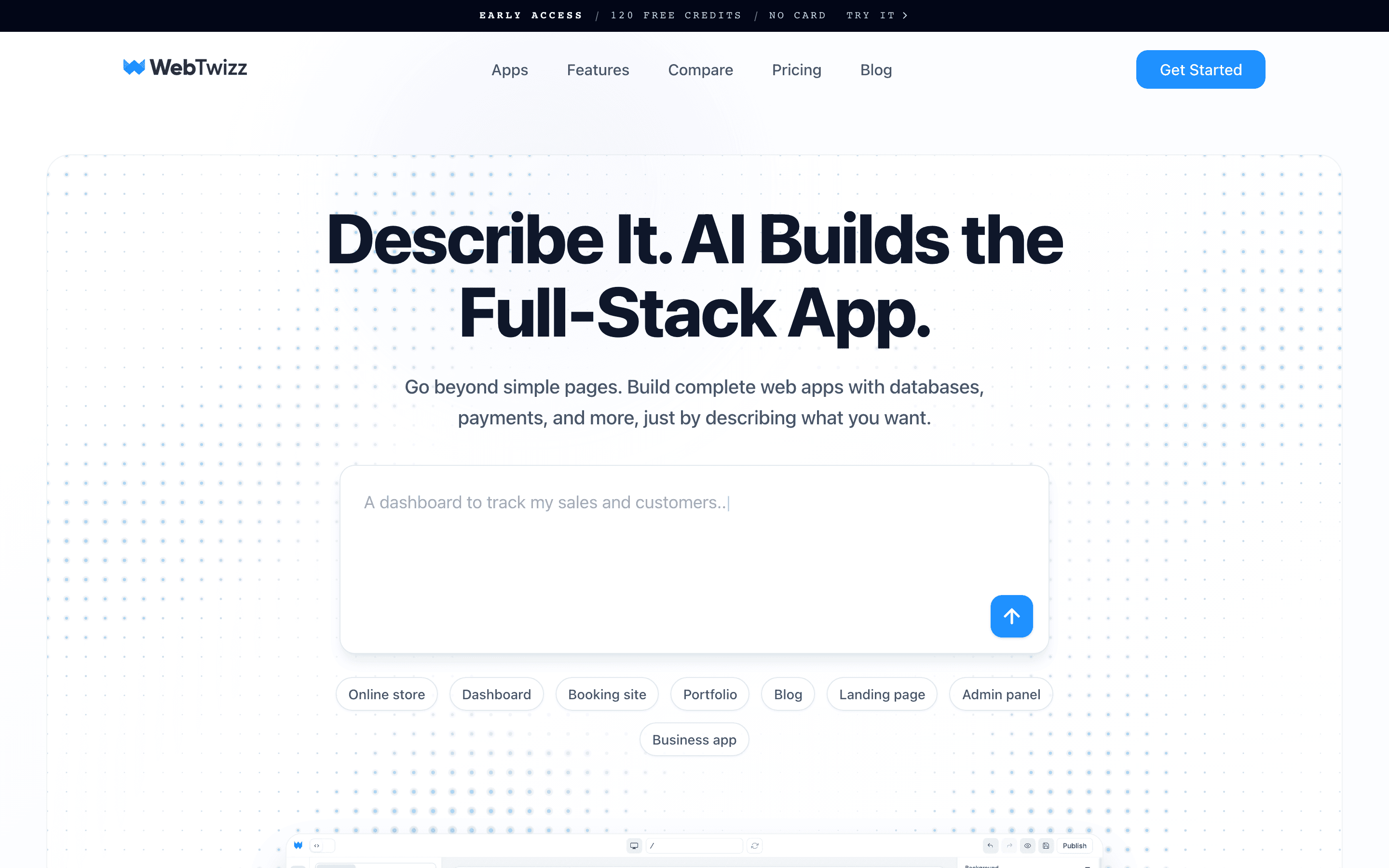
Webtwizz landing page
WebtwizzWebtwizz

An AI app builder with a real visual editor. Describe what you want, Webtwizz scaffolds a Next.js app, and then you refine the design by clicking and editing, no prompt required. Persistent hosting and integrations bundled.

What you get

  • Visual editor with click-to-edit on any element
  • Persistent hosted preview (dedicated VM per project)
  • One-click publish to webtwizz.app or custom domain
  • Pre-wired Supabase, Stripe, Resend, OpenAI, Anthropic
  • Two-way GitHub sync, push and pull in plain language
  • Version history with rollback
  • Full source code, visible in the code editor
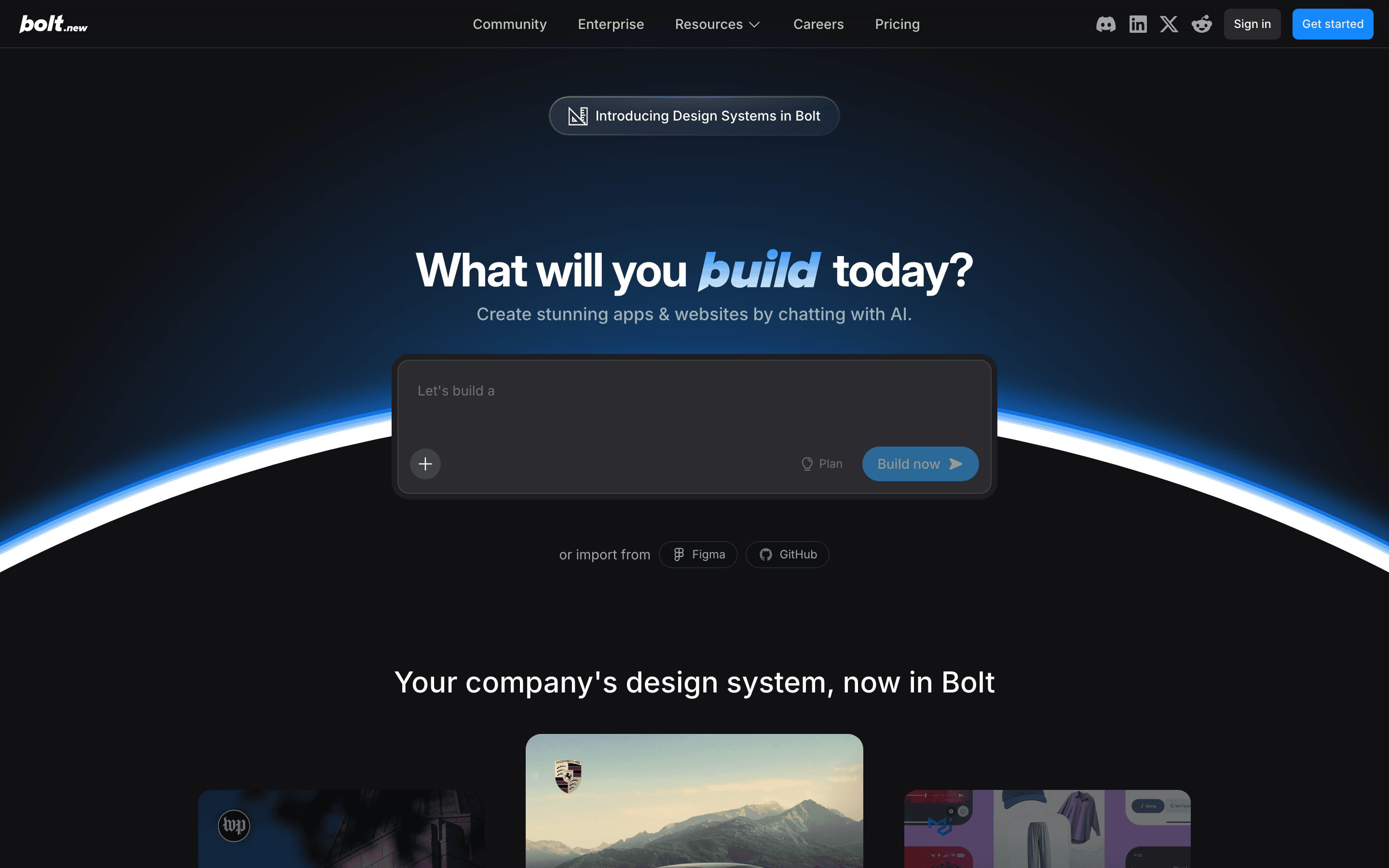
Bolt.new landing page
Bolt.newBolt.newbolt.new

A StackBlitz-powered, in-browser AI development environment. You describe what you want, Bolt spins up a WebContainer with the code running live, and you iterate by prompting the AI. Excellent for prototyping; less of a hosted product.

What you get

  • In-browser WebContainer dev environment
  • Framework flexibility (Next, Astro, SvelteKit, Vue)
  • Live terminal access in the browser
  • StackBlitz-grade live preview
  • Deploy via Netlify integration
  • GitHub export

The visual editor

Pixel-perfect control over every detail.

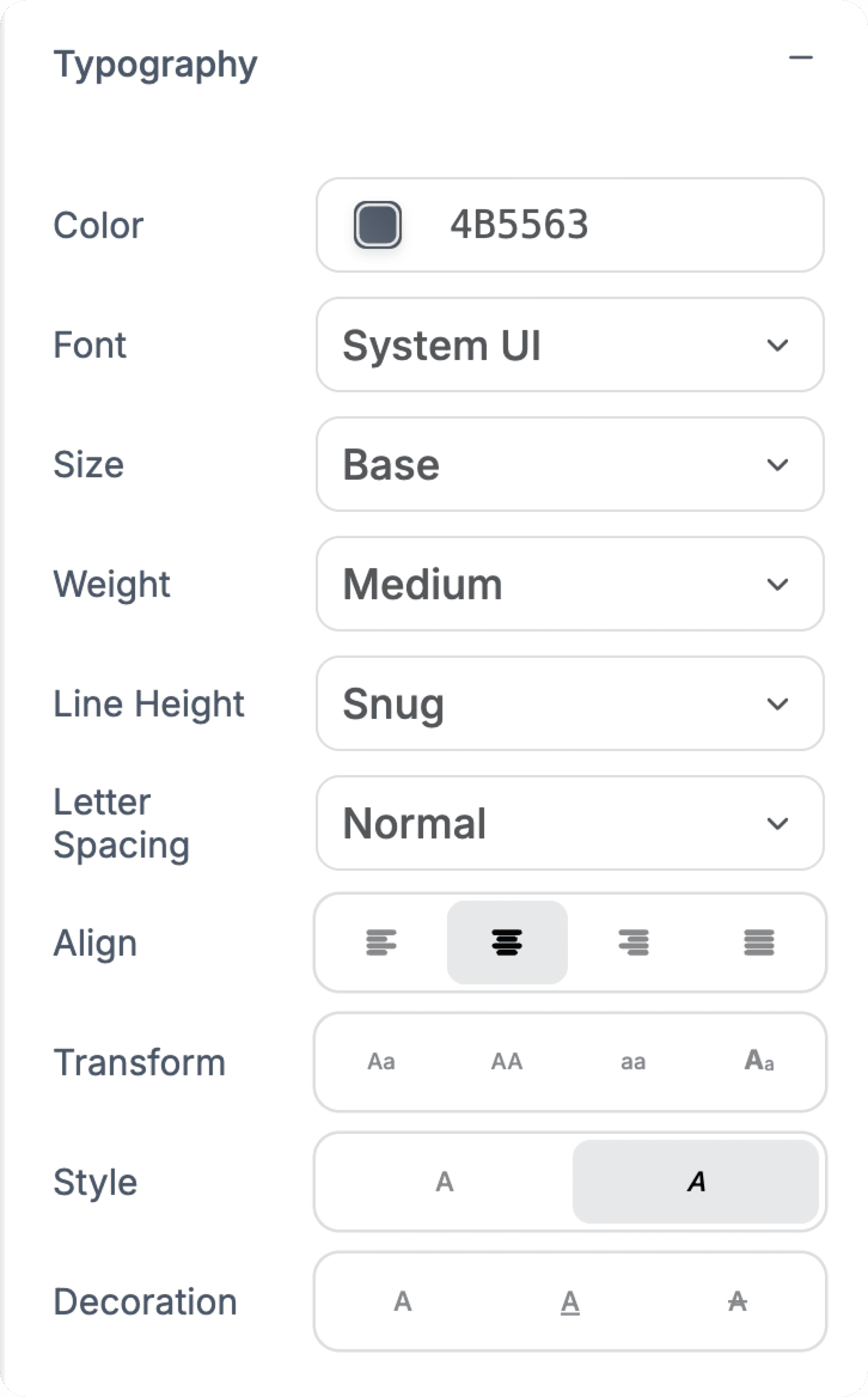
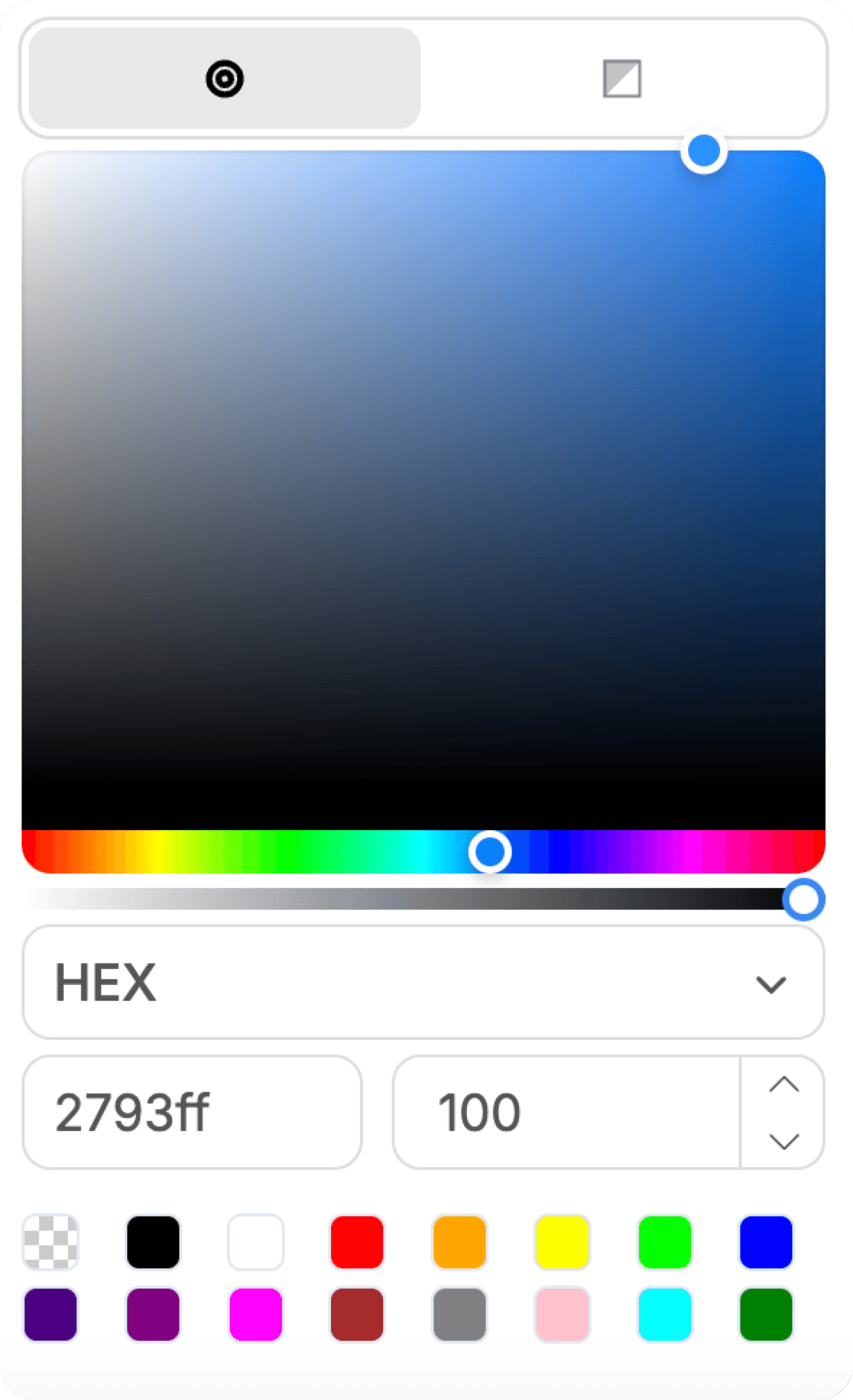
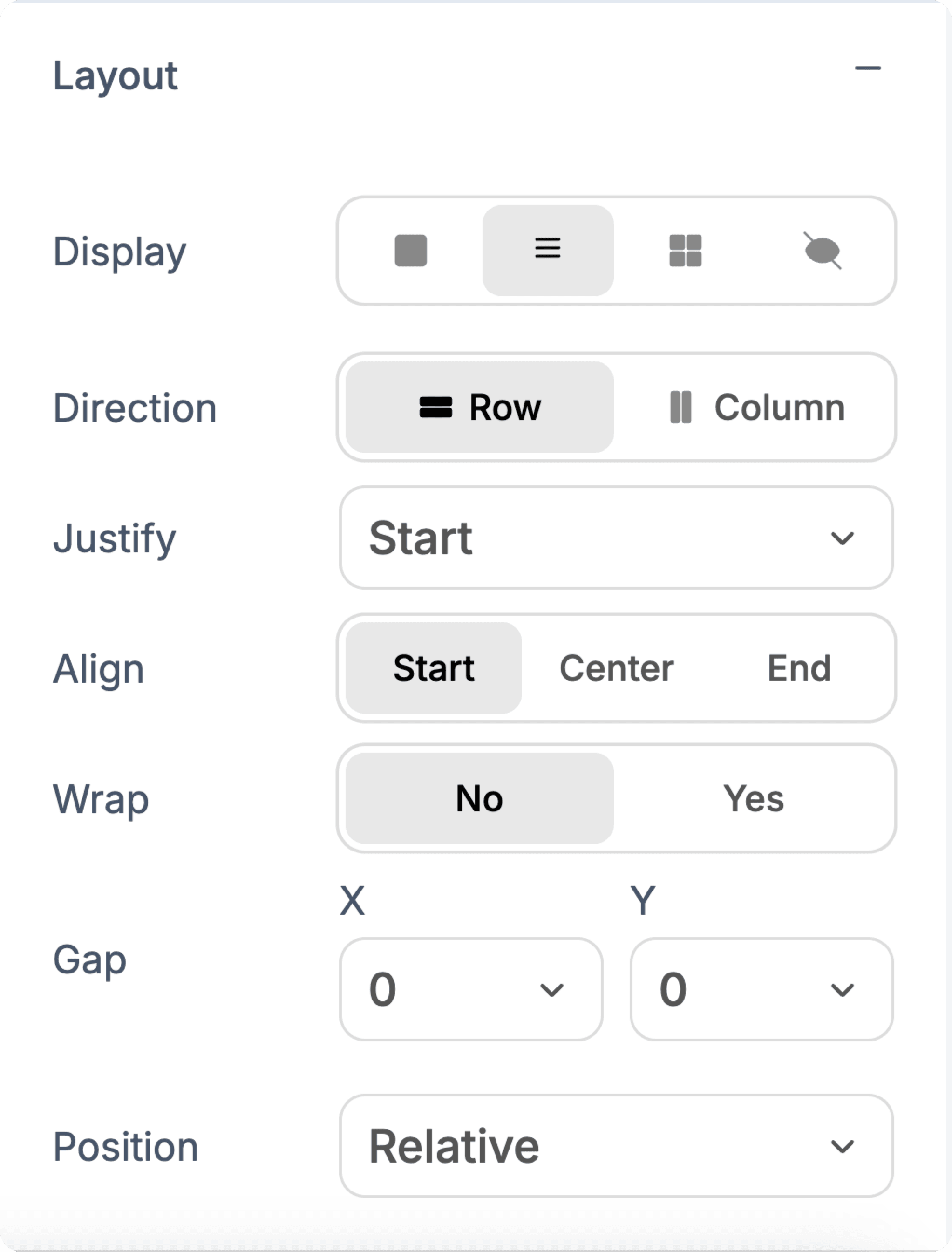
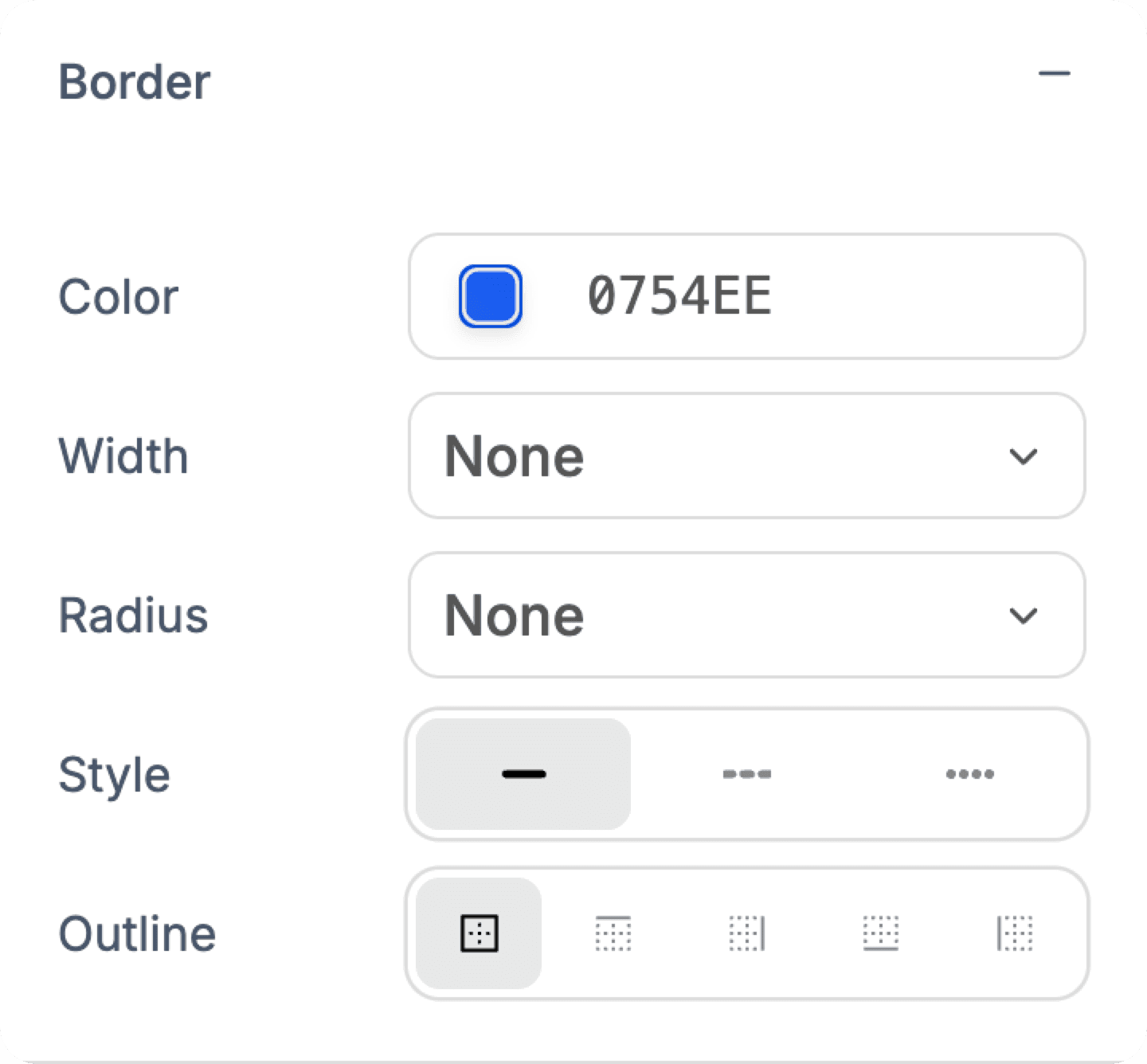
The AI builds your app first. Then you fine-tune typography, colors, spacing, and layouts with precision, and see every change instantly as you design.

Typography controls
Color picker
Layout controls
Border controls
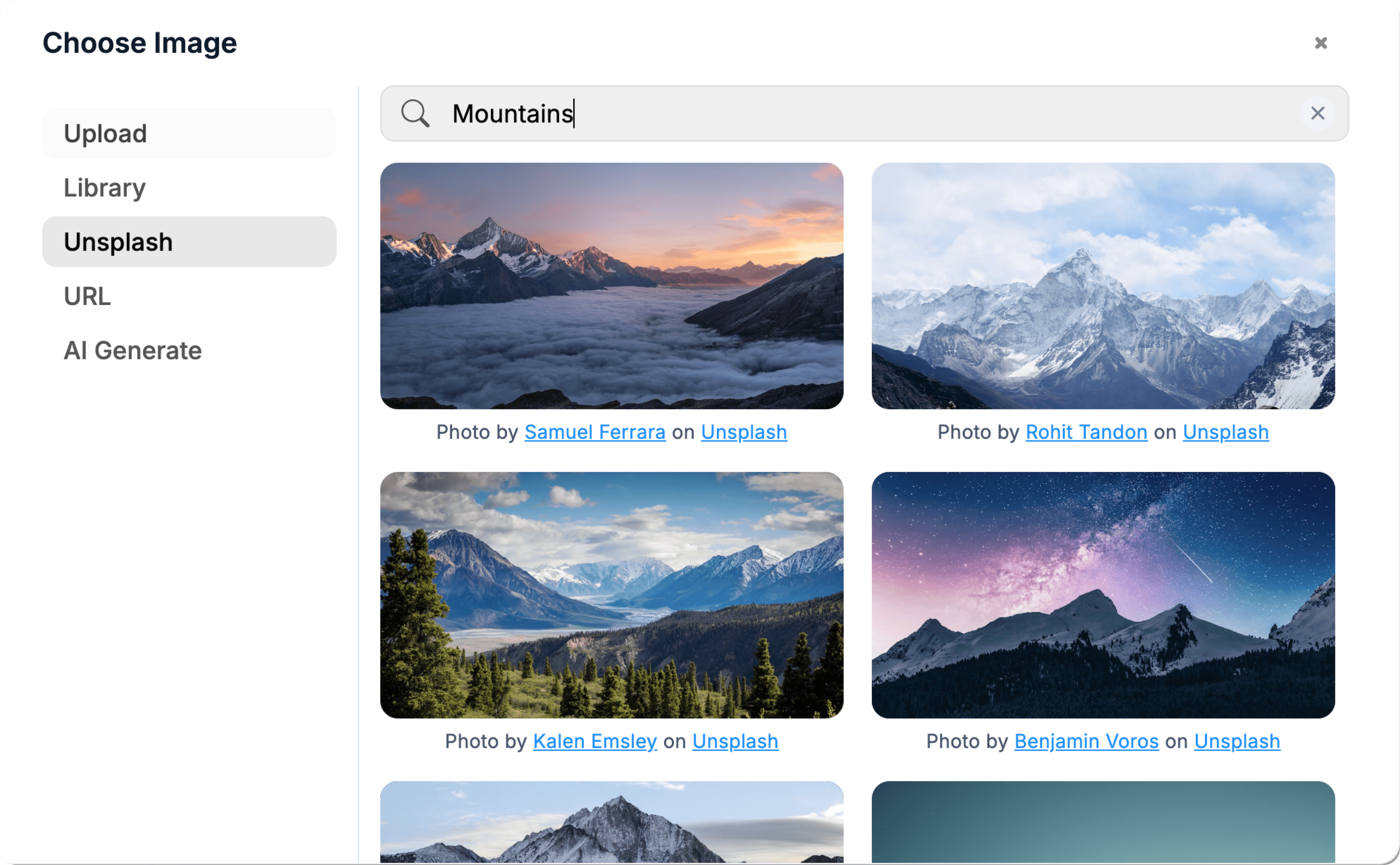
Unsplash integration

02 / Feature comparison

Side by side, no fluff.

Built from the public docs and changelog of both products.

FeatureWebtwizz logoWebtwizzBolt.new logoBolt.new
AI app generationYesYes
Visual editor (no prompt needed)YesNo
In-browser dev environmentHosted preview machinesWebContainer (StackBlitz)
Custom domainStandard planVia Netlify deploy
Persistent hostingYes (one-click)Via deploy export
Version historyYesYes
Database integrationSupabase nativeSupabase via setup
Payment integrationStripe nativeStripe via setup
Tech stackNext.js + Tailwind (fixed)Any framework (flexible)
Free tier30 daily + 120 signup creditsDaily token limit
GitHub integrationYes (two-way: push, pull, restore)Yes (export to GitHub)
Best forApps you want to shipFast prototyping

03 / The honest call

Which one should you actually use?

Webtwizz logo

Pick Webtwizz if…

  • You're building something you'll actually maintain

    Bolt is built around the prototype-and-export loop. Webtwizz is built around persistent projects with a visual editor, version history, and custom domains. If the project lives more than a week, Webtwizz wins.

  • Design polish matters

    Tweaking spacing, colors, or copy via chat is slow and expensive. Webtwizz's visual editor handles those changes in one click while preserving the source code.

  • You don't want to think about deployment

    Webtwizz has hosted preview, one-click publish, custom domains, and SSL built in. Bolt is great in the browser but pushes you to Netlify/Vercel for production.

Bolt.new logo

Pick Bolt.new if…

  • You want any framework, any stack

    Bolt's WebContainer can run almost anything, Astro, SvelteKit, Vue, Remix. Webtwizz is opinionated on Next.js. If you need framework flexibility, Bolt wins.

  • You're prototyping a one-off idea fast

    For 20-minute prototypes you'll never revisit, Bolt's chat-and-iterate loop is excellent. Webtwizz's visual editor is overkill for throwaway demos.

  • You want to debug live code in the browser

    Bolt's StackBlitz-based environment is a real terminal + file tree + dev server in your browser. If that's how you like to work, Webtwizz doesn't try to match it.

We're not pretending Webtwizz wins everything. Bolt.new is a real tool with real strengths, and the wrong tool for the wrong job is worse than no tool at all.

04 / Pricing

Pricing, side by side.

Both start free. Past that, here's what each tier looks like.

Webtwizz

Webtwizz pricing

Free

Free

No card required

  • 30 daily + 120 signup credits
  • 1 published site
  • Full builder + AI
  • Visual editor

Most popular

Standard

$25/mo

or $21/mo billed annually

  • 1,500 credits/mo
  • 5 published sites
  • Code editor access
  • Custom domain
  • Remove badge

Pro

$50/mo

Up to $100/mo for 9k credits

  • 4.5k-9k credits/mo
  • 15 published sites
  • Everything in Standard
  • Priority support

Custom

Custom

Agencies & teams

  • Custom credit limits
  • Dedicated support
  • SLA guarantee
See full pricing →
Bolt.new

Bolt.new pricing

Free

Free

Daily token allowance

  • Limited daily tokens
  • Public projects
  • WebContainer access

Most popular

Pro

$20/mo

Solo builders

  • More tokens
  • Private projects
  • Higher rate limits
  • Deploy support

Teams

$50+/mo

Per seat

  • Team workspaces
  • Shared projects
  • Higher limits

Enterprise

Custom

High-volume

  • Custom limits
  • SSO
  • Dedicated support

Bolt uses a token-based model, heavy AI sessions can run out fast. Check bolt.new for current limits.

FAQ

Webtwizz vs Bolt.new, answered.

The questions people ask before switching. Anything else, our team is one email away.

Yes. Both are AI app builders that generate working code from prompts. Webtwizz adds a visual editor and persistent hosting; Bolt is more focused on in-browser prototyping with framework flexibility.

Yes. Webtwizz generates standard Next.js + Tailwind code. The code is fully visible and editable in the built-in code editor, with the visual editor staying in sync via the source-truth bridge.

For pure speed-to-first-prototype with the AI doing all the work, Bolt and Webtwizz are roughly equivalent. Webtwizz pulls ahead the moment you want to refine the design without prompting.

Not currently. Webtwizz is opinionated on Next.js because that's where the visual editor's source-mapping is most reliable. If you need Astro, SvelteKit, or Vue, Bolt is the better fit.

Both start free. Paid plans are roughly $20-25/mo for entry. Webtwizz uses a credit system that covers all AI actions; Bolt uses tokens that can run out on heavy AI sessions.

Start building

Your idea, live in minutes.

Describe what you want. WebTwizz builds the real thing, then you click to change anything. No code needed.

Get started for free, no credit card needed.