Webtwizz+Stripe

Stripe Integration

Stripe + Webtwizz

OAuth into Stripe Connect once. Your account ID and keys are stored encrypted and exposed as environment variables, so the AI can write checkout, subscription, and payout code that just works.

One-click connectEnv vars auto-setEncrypted credentials
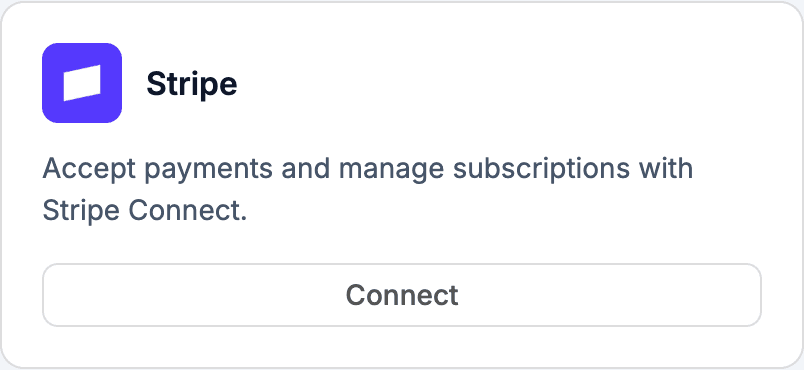
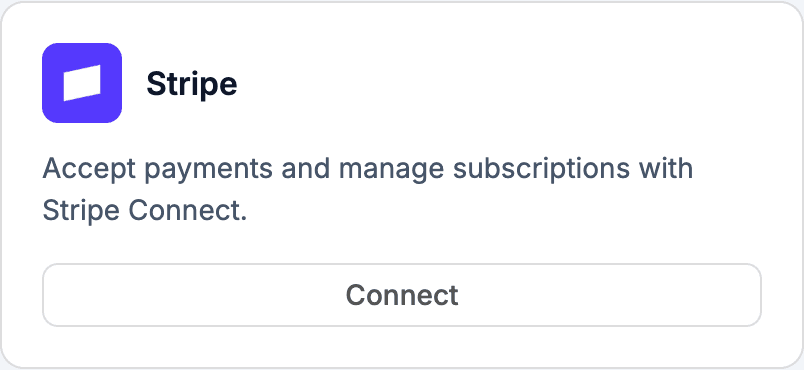
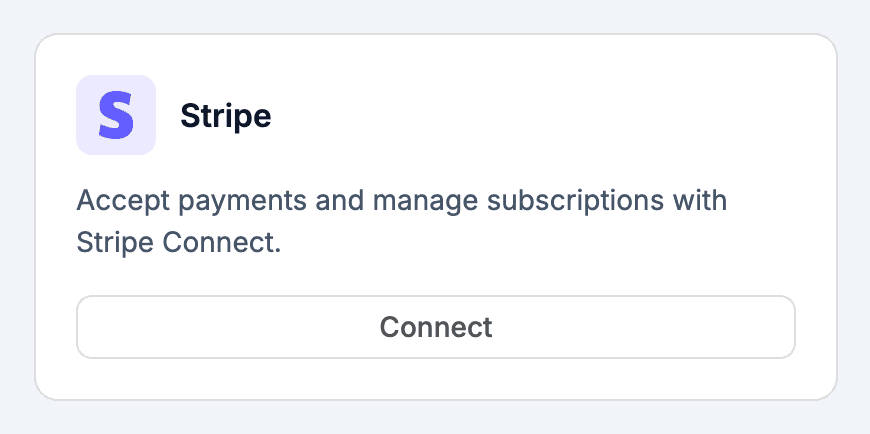
Stripe integration card

01 / The integration

What the Stripe integration does.

The Stripe integration runs the full Stripe Connect OAuth flow, encrypts your access token and refresh token, and writes four environment variables onto your project. From there, anything the AI generates can call Stripe with the right keys already in place. Webtwizz doesn't proxy your traffic and doesn't take a cut.

02 / What you can build

The patterns this unlocks.

The flows Webtwizz scaffolds correctly the first time, so you don't spend three days reading Stripe docs.

01

Stripe Checkout flows

Ask the AI for a paid plan or one-time payment. It writes the checkout session route using the keys the integration already set.

02

Stripe Connect marketplaces

The integration uses the standard Stripe Connect OAuth scope (read_write), so split-payment and platform-fee patterns work end to end.

03

Subscription state in Supabase

If you also connect Supabase, ask the AI to persist subscription status. It will use both sets of env vars together.

04

Webhook routes (on request)

There's no auto-generated /api/stripe/webhook. Ask the AI for one and it will scaffold it using STRIPE_SECRET_KEY. You set the webhook secret in env vars yourself.

03 / Setup

Connect Stripe.

3 ordered steps. Open Integrations, click Connect, paste the key. The plumbing scaffolds itself.

STEP 01

Open Integrations and click Stripe

Inside any Webtwizz project, open the Integrations panel and click Connect on the Stripe card.

Open Integrations and click Stripe

STEP 02

Authorize via Stripe Connect OAuth

You'll be redirected to Stripe's hosted OAuth page. Approve access. Webtwizz exchanges the code for an access token and stores it encrypted.

Authorize via Stripe Connect OAuth

STEP 03

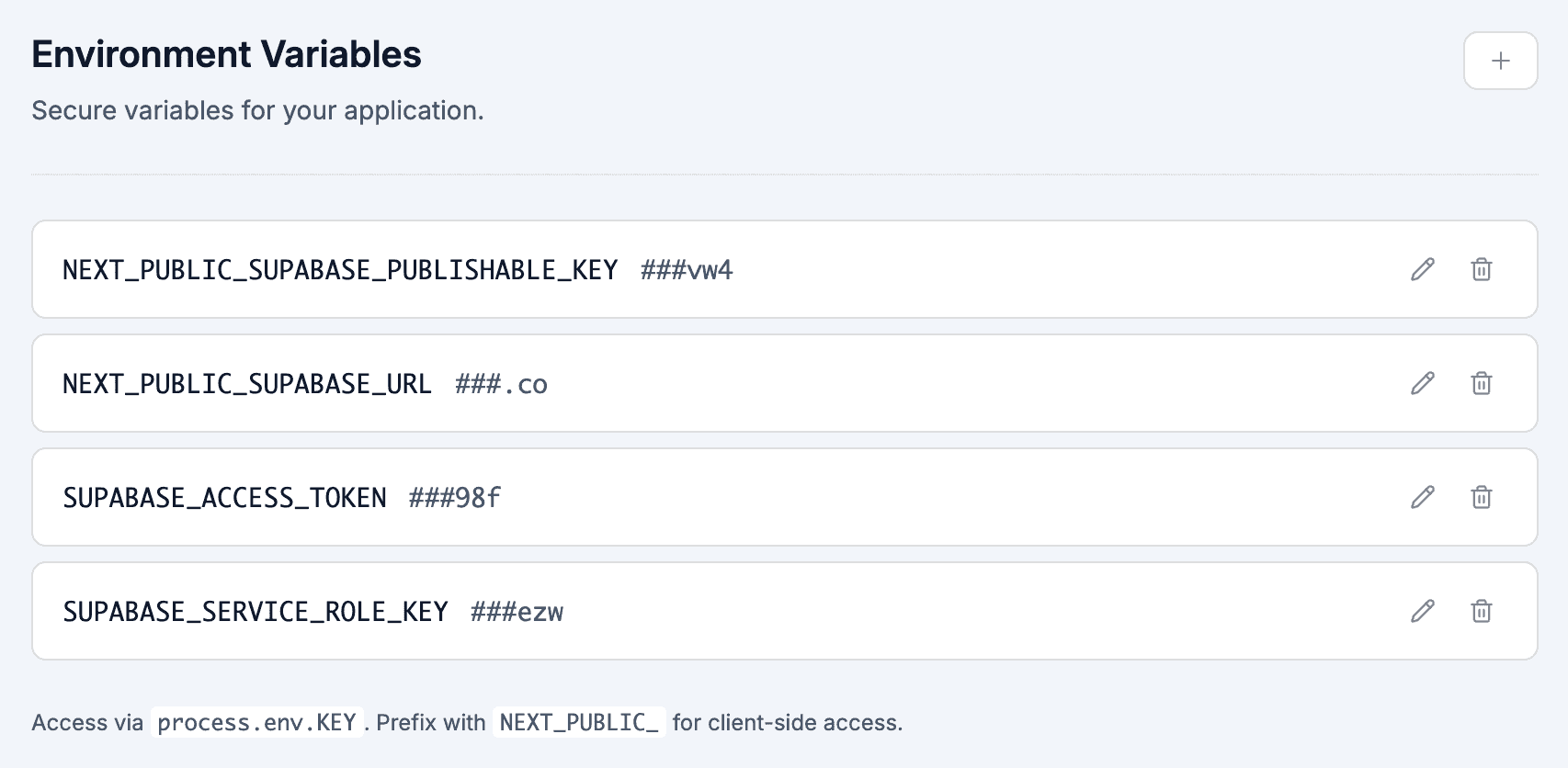
Env vars are written to your project

Four variables land in your project's environment panel: NEXT_PUBLIC_STRIPE_PUBLISHABLE_KEY, STRIPE_PUBLISHABLE_KEY, STRIPE_SECRET_KEY, and STRIPE_ACCOUNT_ID. From here, the AI can write Stripe code that runs.

Env vars are written to your project

04 / Environment

Set automatically.

These show up in your project's environment variables panel the moment you connect Stripe. No copy-paste, no .env files.

.env

NEXT_PUBLIC_STRIPE_PUBLISHABLE_KEY

Publishable key, exposed to the client for Stripe.js / Checkout redirects.

STRIPE_PUBLISHABLE_KEY

Same publishable key, available server-side without the NEXT_PUBLIC prefix.

STRIPE_SECRET_KEY

Server-only access token from the Stripe Connect OAuth exchange. Used to call the Stripe API as the connected account.

STRIPE_ACCOUNT_ID

The connected account ID returned from Stripe Connect.

Stripe Connect vs standard Stripe: when you need which

Standard Stripe is what most SaaS apps use. You collect money on your own Stripe account, customers pay you, you pay yourself. Built for direct-to-consumer or B2B subscriptions.

Stripe Connect is for marketplaces and platforms, you sit between buyers and sellers, take a cut, and pay out the rest. Examples: a freelance marketplace (you take 10%, the freelancer gets 90%), a coaching platform (each coach has their own Stripe account), a SaaS where each tenant gets their own Stripe.

Webtwizz uses Stripe Connect OAuth for the integration because Connect's read_write scope is a superset of what standard Stripe needs. Connect works seamlessly for both. Your STRIPE_ACCOUNT_ID env var is the connected account; for a non-marketplace app you just ignore it.

Three Connect models to know: - Standard accounts. Sellers fully manage their own Stripe dashboard. Easiest to set up. Right for "creators get paid" platforms. - Express accounts. Sellers see a slimmed-down dashboard. Right for marketplaces where you want to abstract Stripe away from sellers. - Custom accounts. You handle everything via API; sellers never see Stripe. Highest compliance burden but max control. Right for high-volume marketplaces.

Stripe webhooks: the part that breaks every SaaS launch

Webhook handling is where most SaaS launches break. The patterns that matter:

Verify the signature on every request. Set STRIPE_WEBHOOK_SECRET in env vars, then verify in the handler with stripe.webhooks.constructEvent(payload, sig, secret). Unsigned/invalid requests must be rejected, anyone can hit your endpoint URL otherwise.

Handle the three events that matter most for subscriptions: checkout.session.completed (initial purchase), customer.subscription.updated (plan changes, cancellation scheduled), customer.subscription.deleted (subscription ended). Skipping any of these creates billing-state drift.

Idempotency. Stripe will retry webhooks on failure. Use the event ID as a dedup key, drop the event into a "processed_events" table with the Stripe event ID, ignore if already there. Otherwise a retried event will double-grant credits.

Don't downgrade on subscription.updated when cancellation is scheduled. The user paid through the period. Wait for subscription.deleted (or check current_period_end) to actually flip access off.

Ask Webtwizz "scaffold a Stripe webhook handler for subscription events with idempotency and signature verification" and it generates all of this correctly. The boilerplate that used to eat a weekend.

05 / Questions

The honest answers.

What founders actually ask before they wire up Stripe.

Does the integration generate a webhook handler?

No. Webtwizz writes the Stripe env vars and stores your OAuth token, but does not auto-create a /api/stripe/webhook route. Ask the AI to scaffold one and it will. You'll need to add STRIPE_WEBHOOK_SECRET to env vars yourself once you create the endpoint in your Stripe dashboard.

Is Stripe Connect (split payments) really supported?

Yes. The integration uses Stripe Connect's OAuth flow with read_write scope, exactly the scope marketplaces need. The connected account ID is stored as STRIPE_ACCOUNT_ID so server-side code can act on behalf of the connected account.

Does Webtwizz mark up Stripe fees?

No. You connect your own Stripe account and Stripe pays you directly. Webtwizz never touches the money flow.

Test mode vs live mode?

Stripe's livemode flag from the OAuth exchange is recorded in your project's integration record. The publishable and secret keys reflect whichever account you OAuth into. To use test keys, OAuth into a test-mode Stripe account.

What happens if I disconnect?

Webtwizz removes the four Stripe env vars from your project and clears the stored access token. Anything the AI previously wrote that depends on those vars will stop working until you reconnect.

Plug in Stripe and ship

Webtwizz is the AI app builder that lets you edit AI-generated code visually, and ship full-stack apps with auth, databases, and payments.

30 free credits daily + 120 signup bonus · No credit card required