Data
Wire up real data
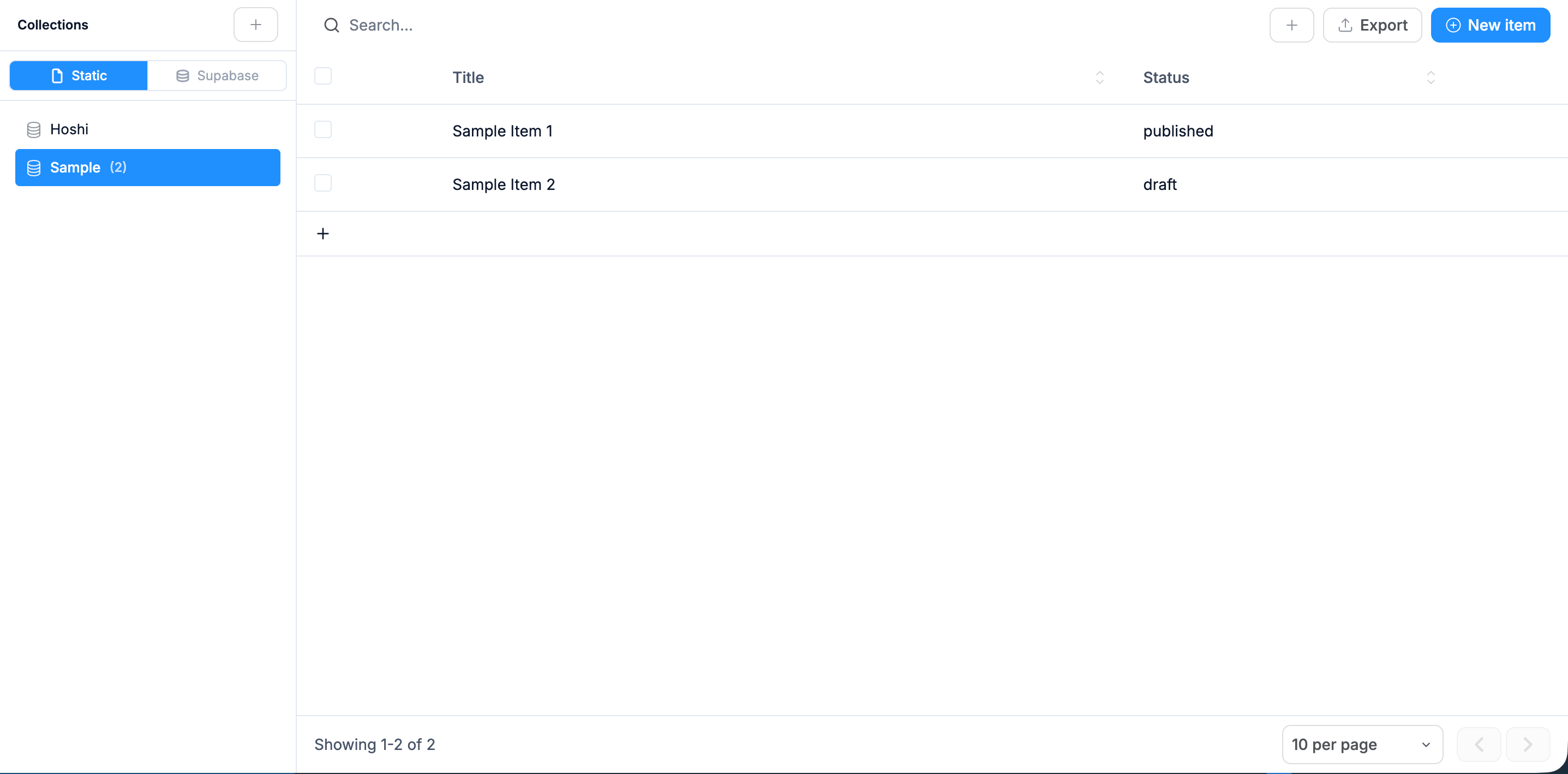
Databases and CMS that power your live app, no backend to set up.
Upload your docs. The AI answers questions grounded in your content, with citations. Skip Intercom Fin's $0.99 per resolution.
Guide
A knowledge-base chatbot is a chat interface whose answers come from your documents, not from whatever the model remembers from training. This is what it is, how the pipeline fits together, how to build one in five steps, and where the real costs and failure modes are.
Three things get called "chatbot" and they behave very differently:
The technique is called retrieval-augmented generation (RAG). It is the standard architecture behind Intercom Fin, Zendesk AI agents, Chatbase, and most "train a bot on your docs" products. None of them fine-tune a model on your data; they retrieve and prompt.
There are two pipelines: one that runs when your documents change, one that runs on every question.
Ingestion (runs when docs change)
Answering (runs per question)
Steps 3–5 are where the time goes. The prompt at the top of this page generates that shape as a Next.js app, with the ingestion routes, pgvector schema, streaming chat, and citations wired, so the work left is your content and your prompt wording.
There are three realistic routes. Which one is right depends on how you pay and what you need to own.
| Route | Time to live | How you pay | Model choice | Own the data and UI |
|---|---|---|---|---|
| Off-the-shelf (Intercom Fin, Zendesk AI, Tidio, Chatbase) | Hours | Per resolution, per seat, or per message tier on top of the platform subscription | Vendor's | No: conversations, index, and widget live on their side |
| Framework (LangChain, LlamaIndex, or hand-written) | Weeks | API usage plus engineering time | Yours | Yes |
| Generated app (Webtwizz) | Hours to a day | API usage; hosting is yours | Yours, swappable | Yes: Next.js code, Postgres, your domain |
Buy if your support team already lives in Intercom or Zendesk, volume is low enough that per-resolution pricing doesn't hurt, and you don't need the bot anywhere except the help widget.
Build or generate if per-resolution pricing scales badly for you, the bot needs to sit inside your own product with your auth and your UI, your data has to stay in your database, or you want to change the model when a better or cheaper one ships.
The recurring cost is model usage, and it's small compared to per-resolution pricing.
Compare that with $0.99 per resolved conversation on Intercom Fin: 1,000 resolutions is $990 a month before the platform subscription. Cost is rarely the reason to buy; speed and not having to own anything is.
The bot is only as good as what it can retrieve, and some sources retrieve much better than others.
A useful starting rule: if a human support agent would paste a link to it, ingest it. If they'd say "let me check with someone," it isn't ready to be a source.
01 / What you get
Click Generate from the box above. Real Next.js code, a real database, real integrations, not a sandbox. Each piece below ships in the first prompt.
Streaming chat UI with markdown rendering and code-block syntax highlighting
Knowledge base ingestion: upload PDFs, paste text, crawl URLs, all chunked and embedded
RAG retrieval: every answer cites the source documents it pulled from
OpenAI or Anthropic backend, swap models without changing the UI
Conversation history per user, searchable, exportable
Token usage tracking per conversation so you can audit cost per user
02 / Variants
From data to design
Databases and CMS that power your live app, no backend to set up.
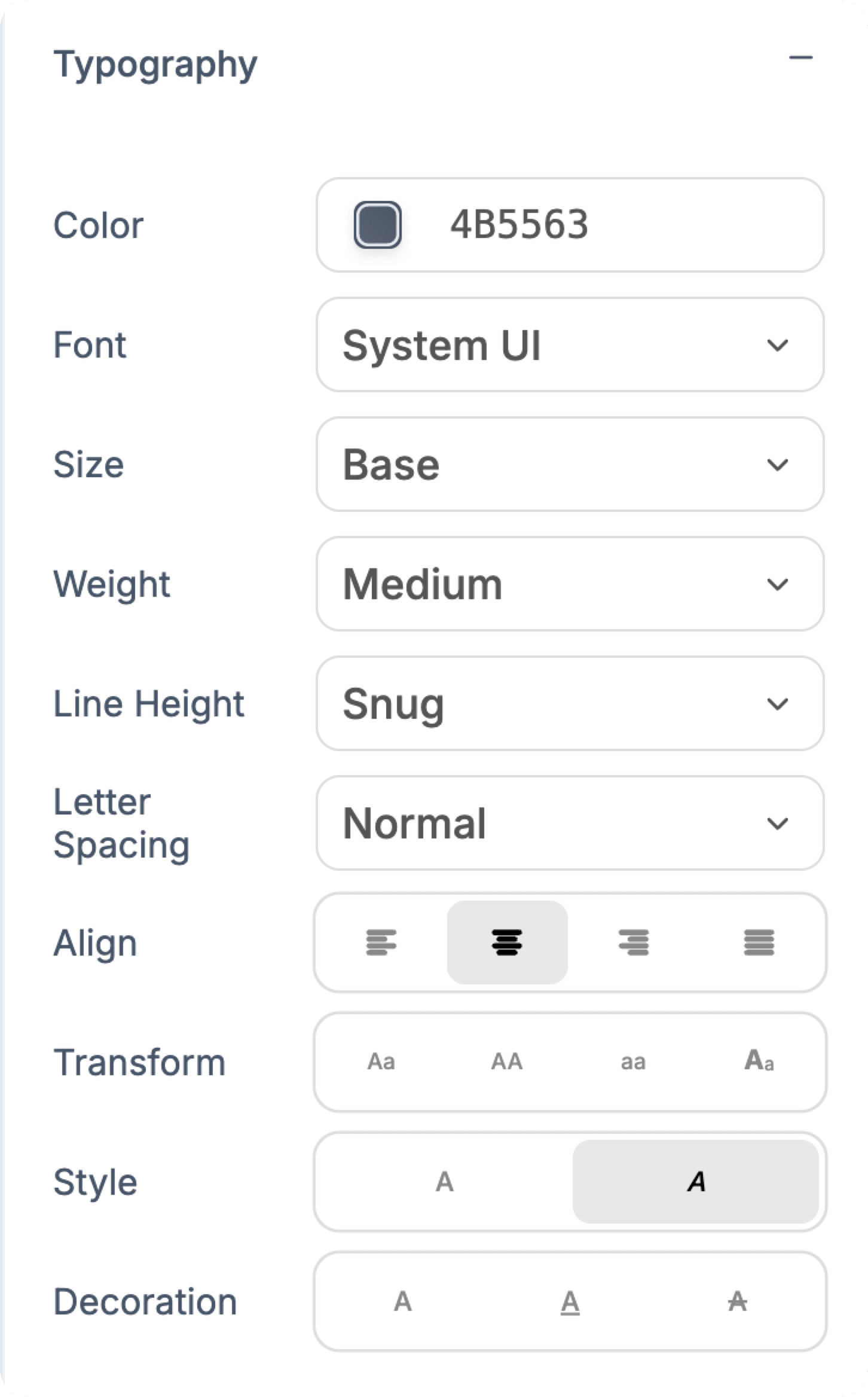
Font, size, weight, leading and spacing, all by hand.
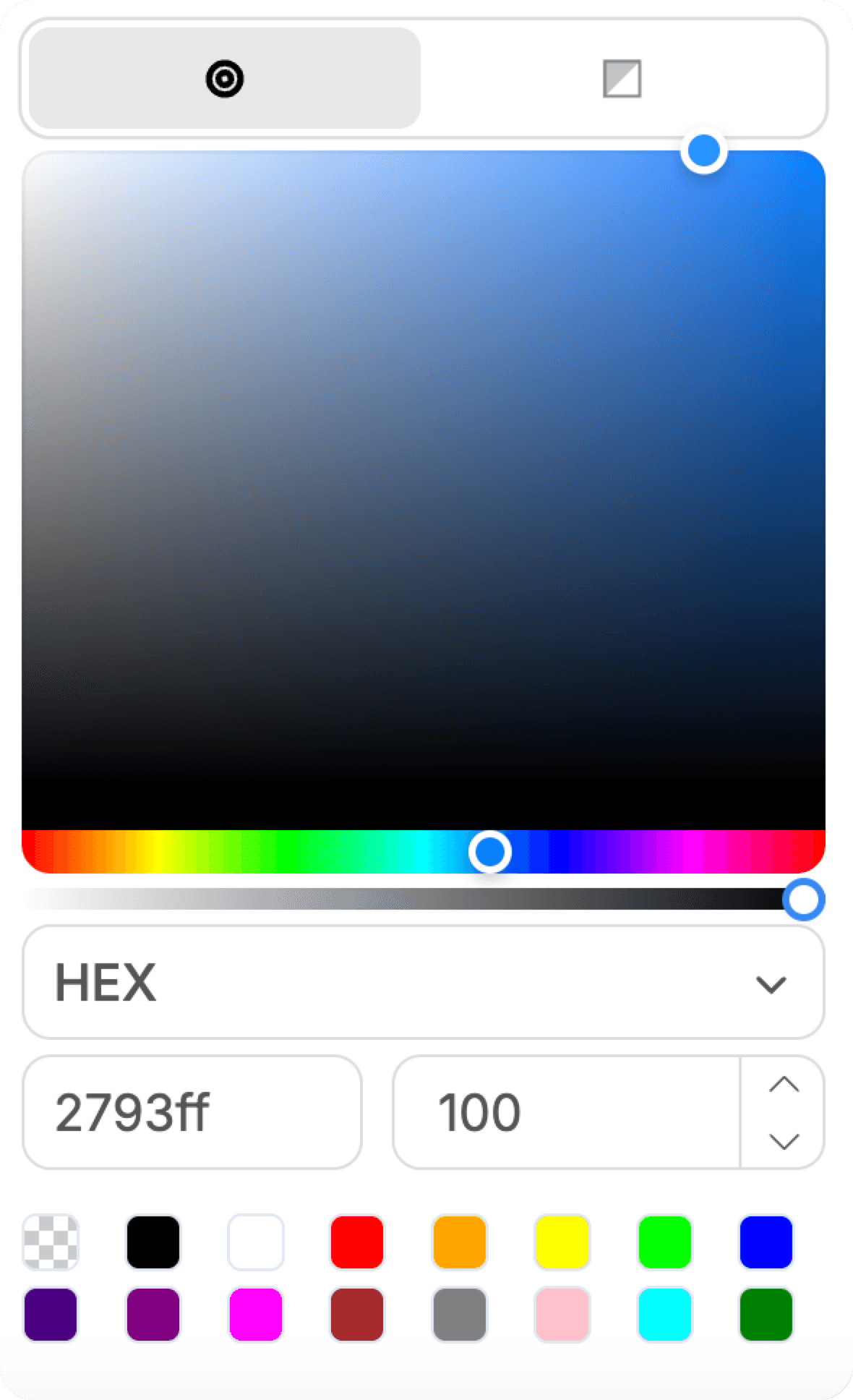
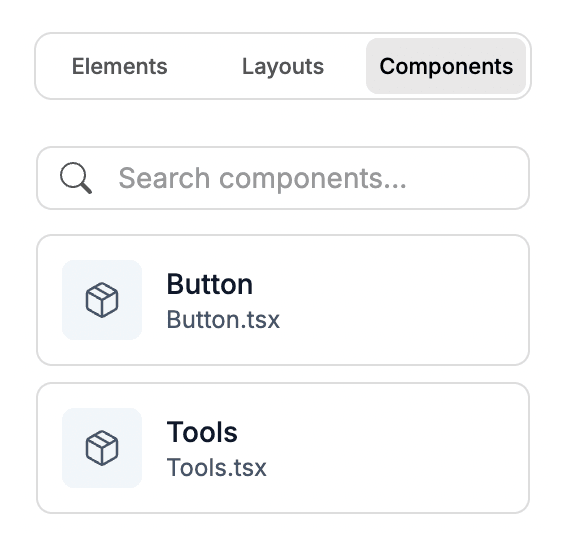
Save any section and drop it in anywhere.
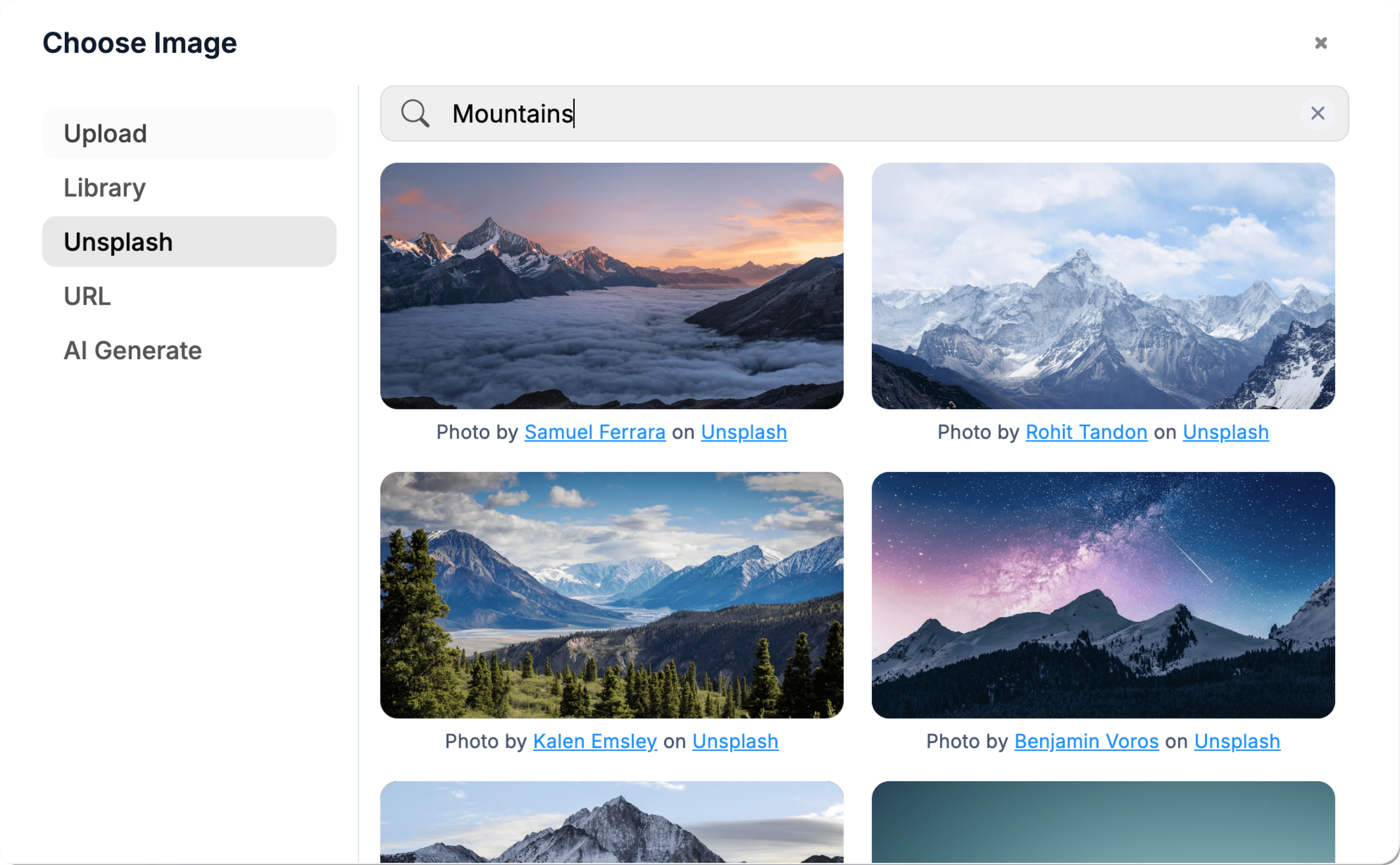
Pull in free imagery without leaving the canvas.
03 / Who it's for
Integrations
Payments, database, AI, email and analytics, wired up the moment you connect.










04 / Why generate it
Intercom Fin charges $0.99 per resolution. At 1,000 questions a month that's $12,000 a year and you don't own the conversations or the model choice.
You pick the model (Claude, GPT, open-weight via Ollama later), the embeddings (OpenAI, Cohere, local), and the vector store (pgvector, Pinecone). When prices drop or a better model ships, you swap one line.
FAQ
Everything you need to know before you generate it. Anything else, our team is one email away.
Upload PDFs or paste URLs into an admin page (Webtwizz scaffolds the form). The AI scaffolds a route that fetches/parses the content, chunks it into ~500-token segments with overlap, and stores embeddings in pgvector (Postgres extension via Supabase). Re-ingestion is incremental, only changed docs re-embed.
RAG is right for almost everyone. Fine-tuning is expensive, slow, and brittle when your docs update. RAG retrieves fresh context per query, which is why the answer can include "this changed last week" without retraining. Keep prompt engineering tight: instruct the model to refuse if retrieval is empty.
Yes. The AI scaffolds citations inline, each answer ends with a "Sources:" block listing the doc titles and URLs the model pulled from. Clicking a citation deep-links to the source. Trust signal users actually look at.
Roughly $0.01-$0.05 per conversation on Claude Haiku or GPT-4o-mini for typical Q&A length. Embeddings are ~$0.0001 per chunk, one-time at ingestion. So a 100-page doc set costs cents to embed; 1,000 user conversations a month costs $10-$50 in API spend. Compare to $990 per 1,000 resolutions on Intercom Fin.
Yes. Webtwizz scaffolds an embed snippet (a script tag + iframe) that renders the chat in any website. Auth is optional, anonymous users get a session ID; logged-in users get history attached to their account.
It searches them. Nothing is trained on your data; the model reads the retrieved passages at answer time. That is why updating a document changes the next answer immediately, and why deleting one removes it from every future answer.
Keep building
Start building
Describe what you want. WebTwizz builds the real thing, then you click to change anything. No code needed.
Get started for free, no credit card needed.